
Unsubscribe forms
An unsubscribe form is the page people land on when they click "unsubscribe" in your email. You can style it and ask why they leave.
An unsubscribe form is the page people land on when they click "unsubscribe" in your email. You can style it and ask why they leave.
Every list already has a standard unsubscribe form. Make your own when you want the page in your style or with your own reasons, then pick it in the list's audience settings. Every campaign to that list then uses it.
Set up an unsubscribe form
-
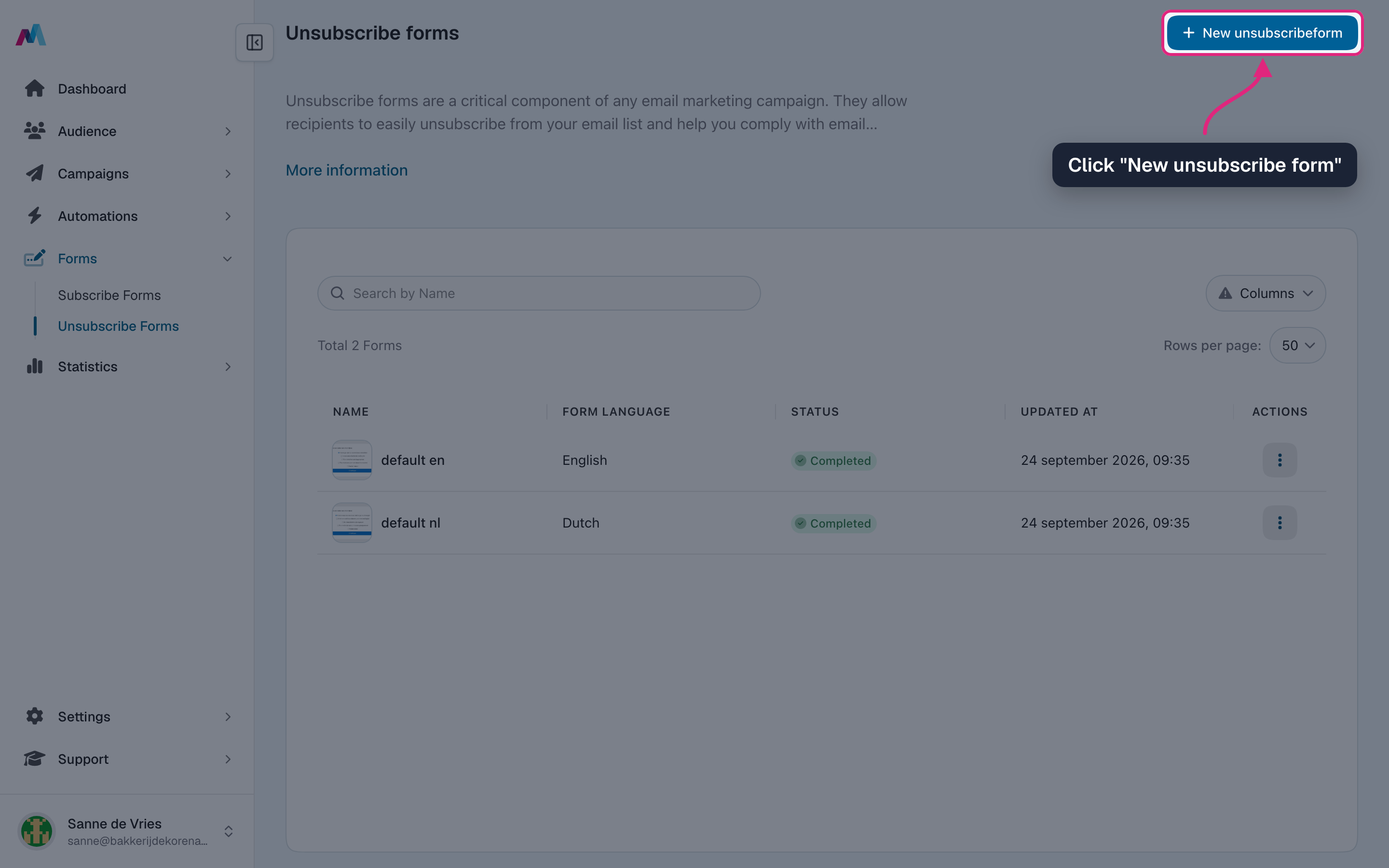
Go to Forms > Unsubscribe forms and click "New unsubscribe form".
-
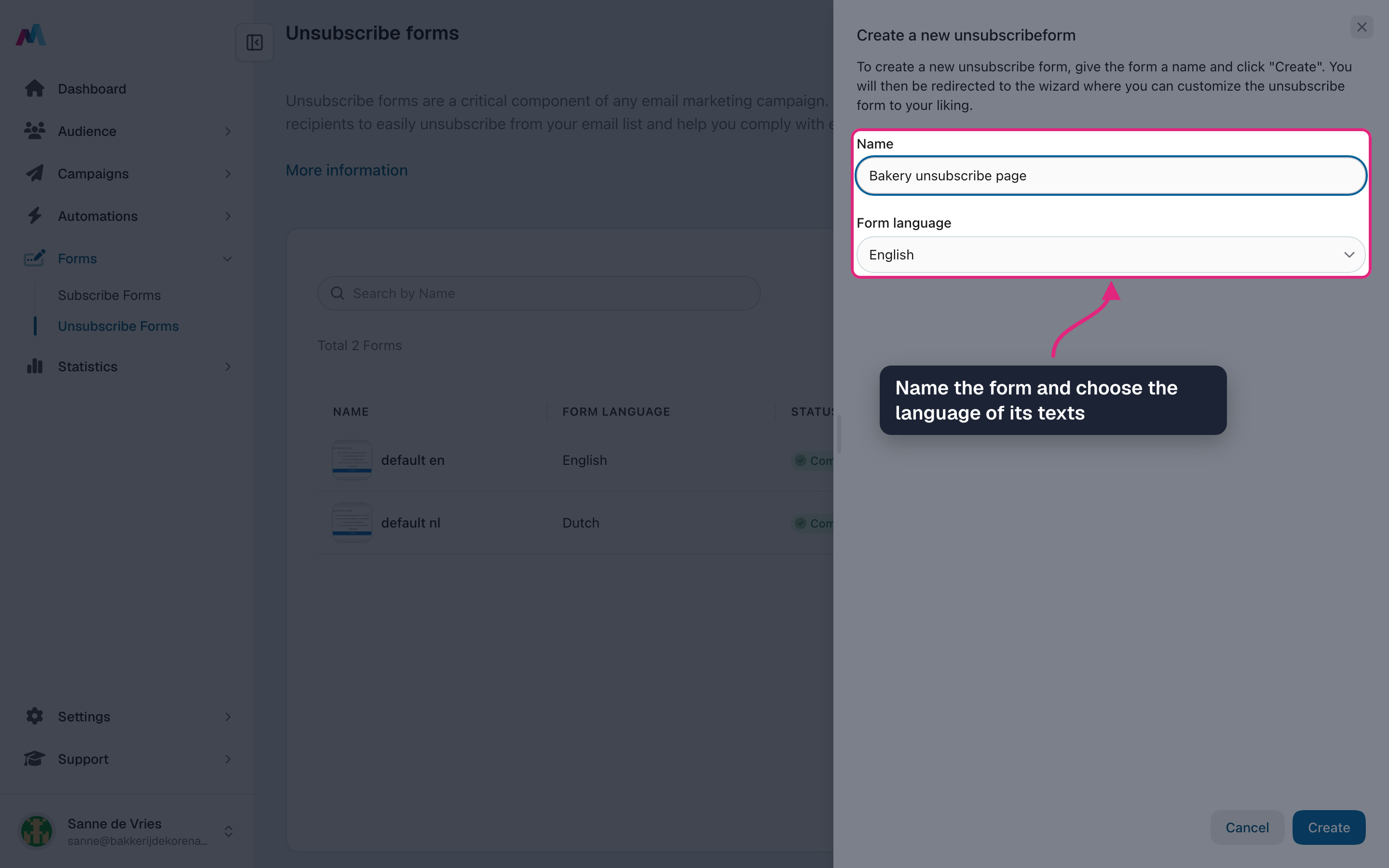
Give the form a name and choose the language of its texts, then click "Create". Pick the language of the list you will use it for: a list only offers forms in its own language.
-
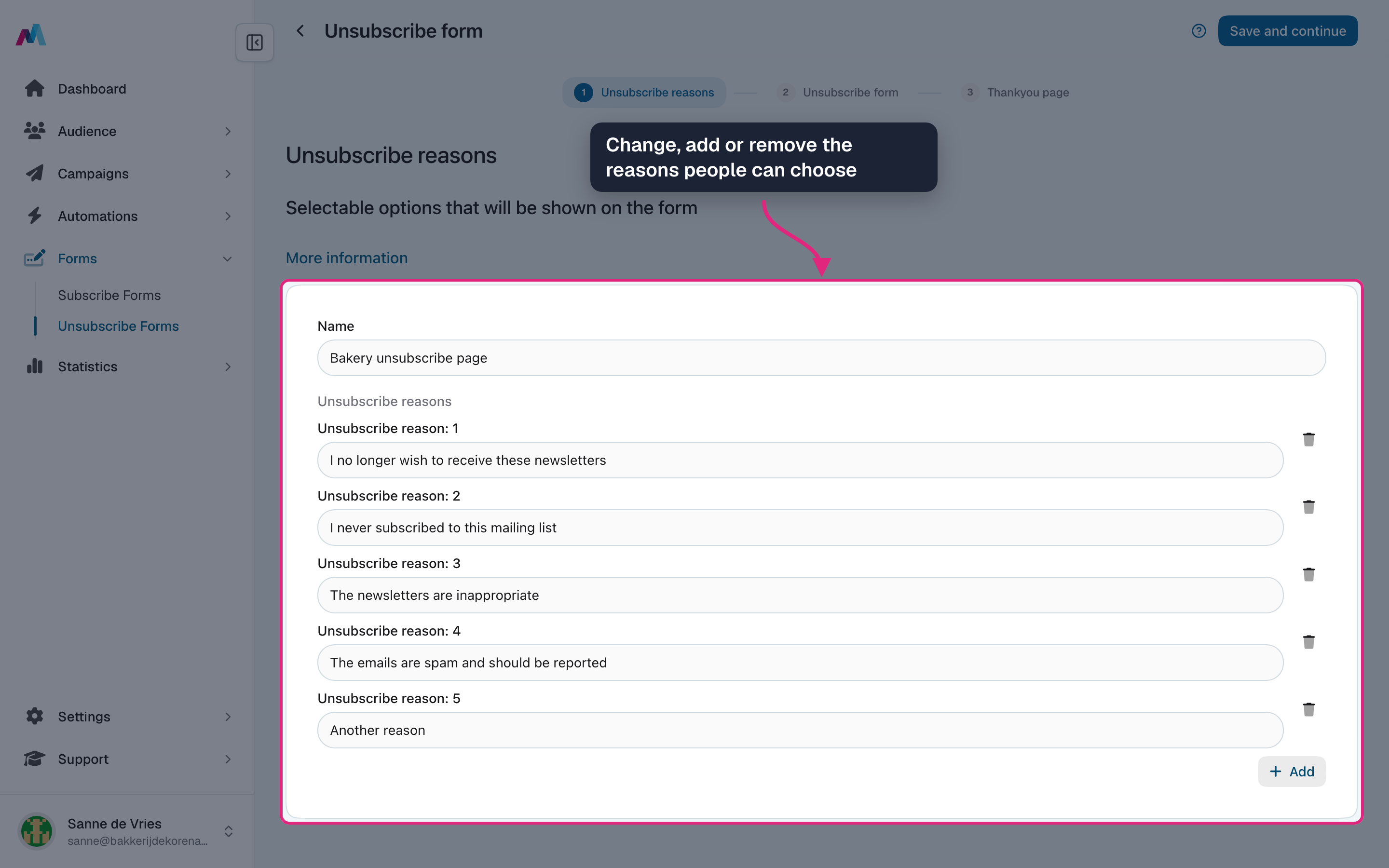
Step 1 holds the reasons people can choose from. Change the example reasons, add your own with "Add" or remove them with the bin. You need at least two different reasons.
-
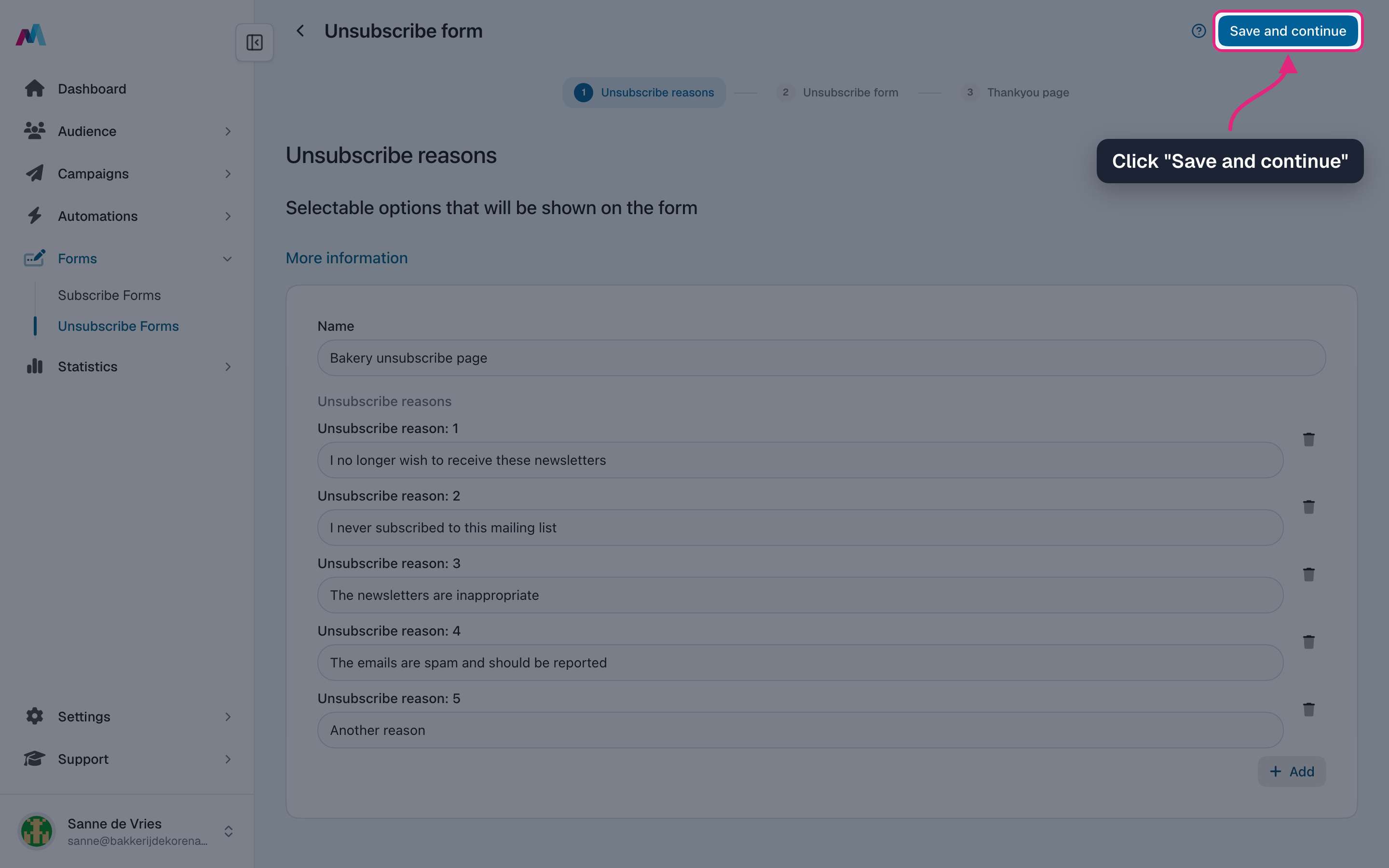
Click "Save and continue".
-
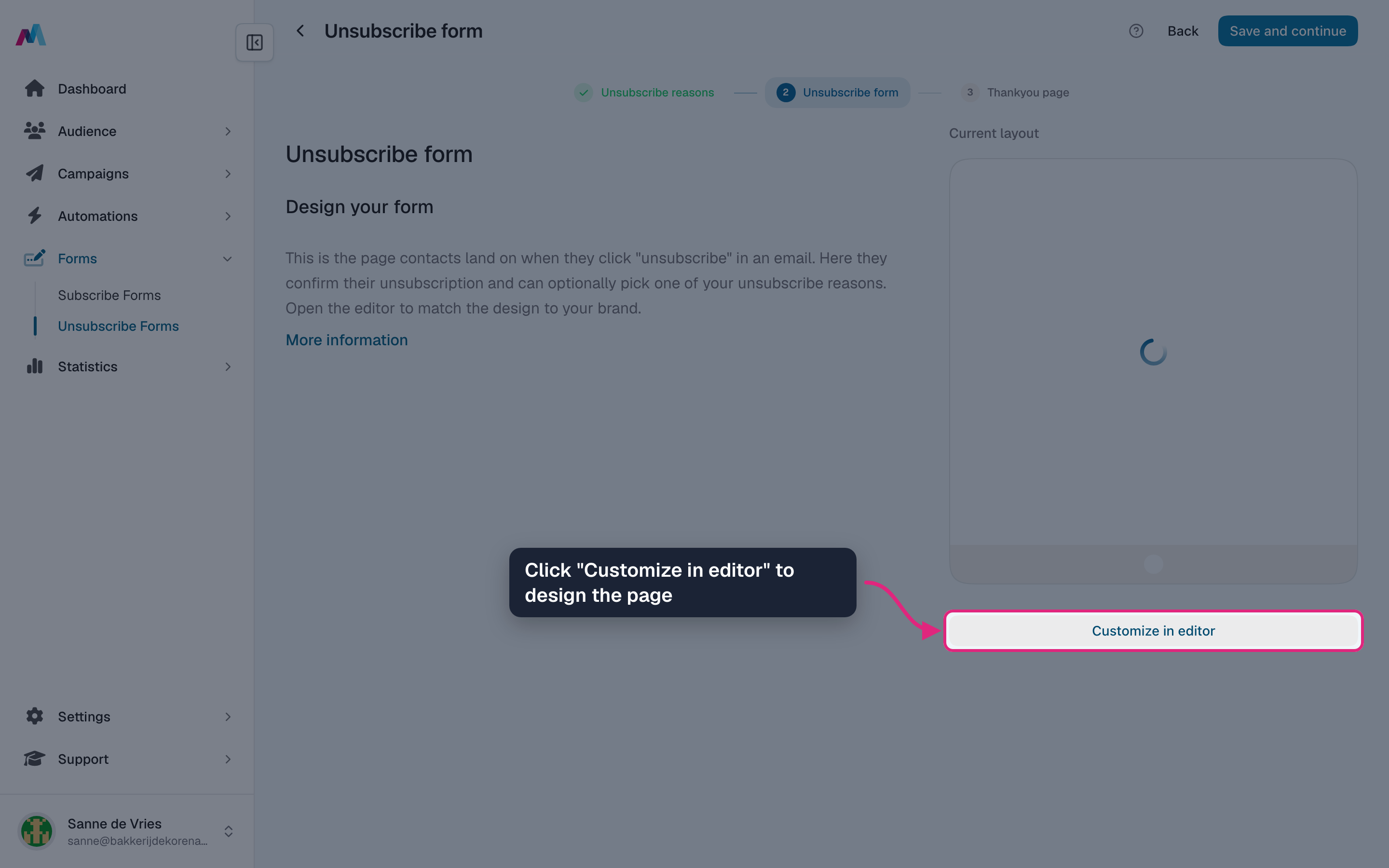
Step 2 is the unsubscribe page itself. Click "Customize in editor" to design it.
-
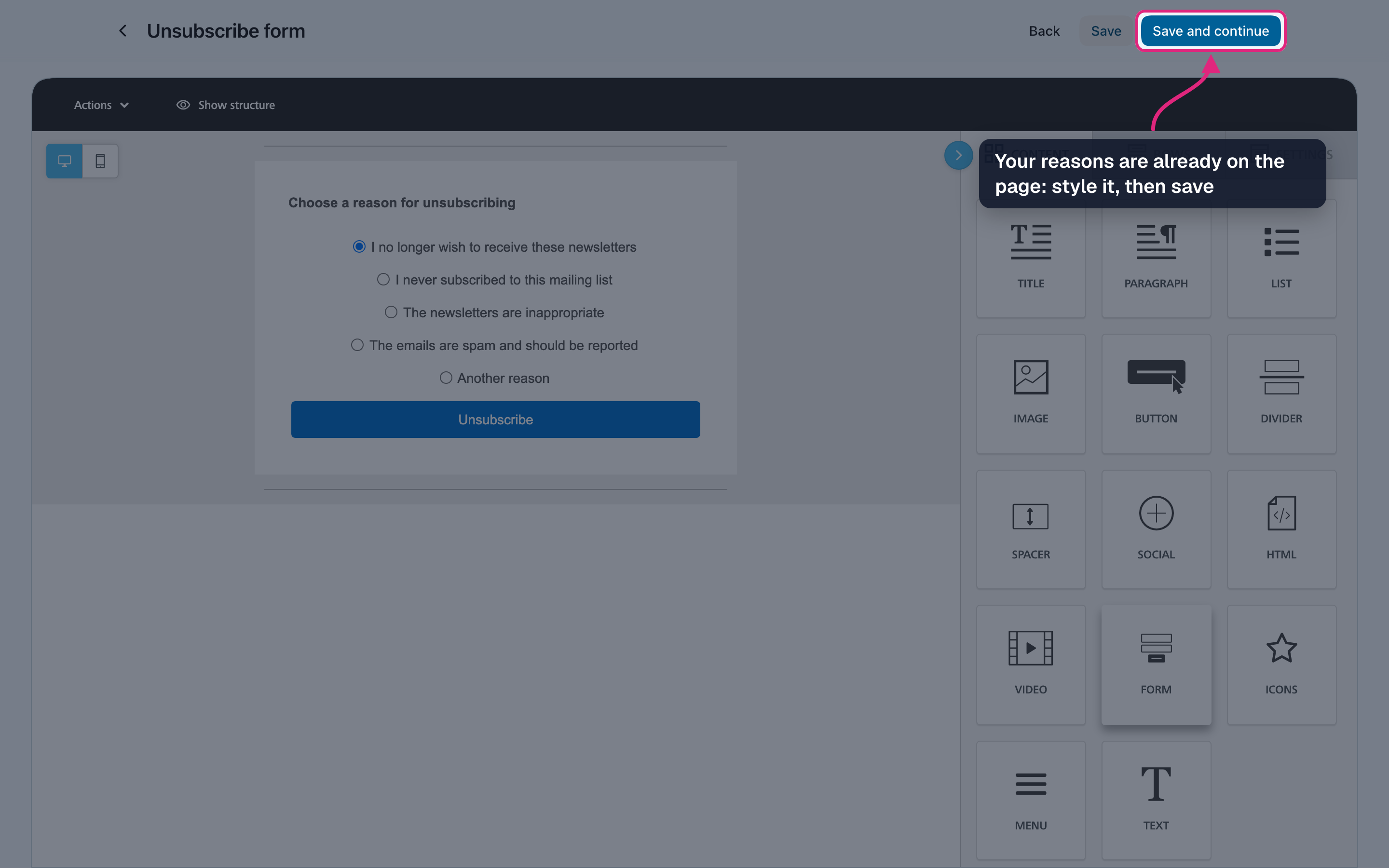
Your reasons are already on the page with an unsubscribe button. Adjust the texts and styling, then click "Save and continue".
-
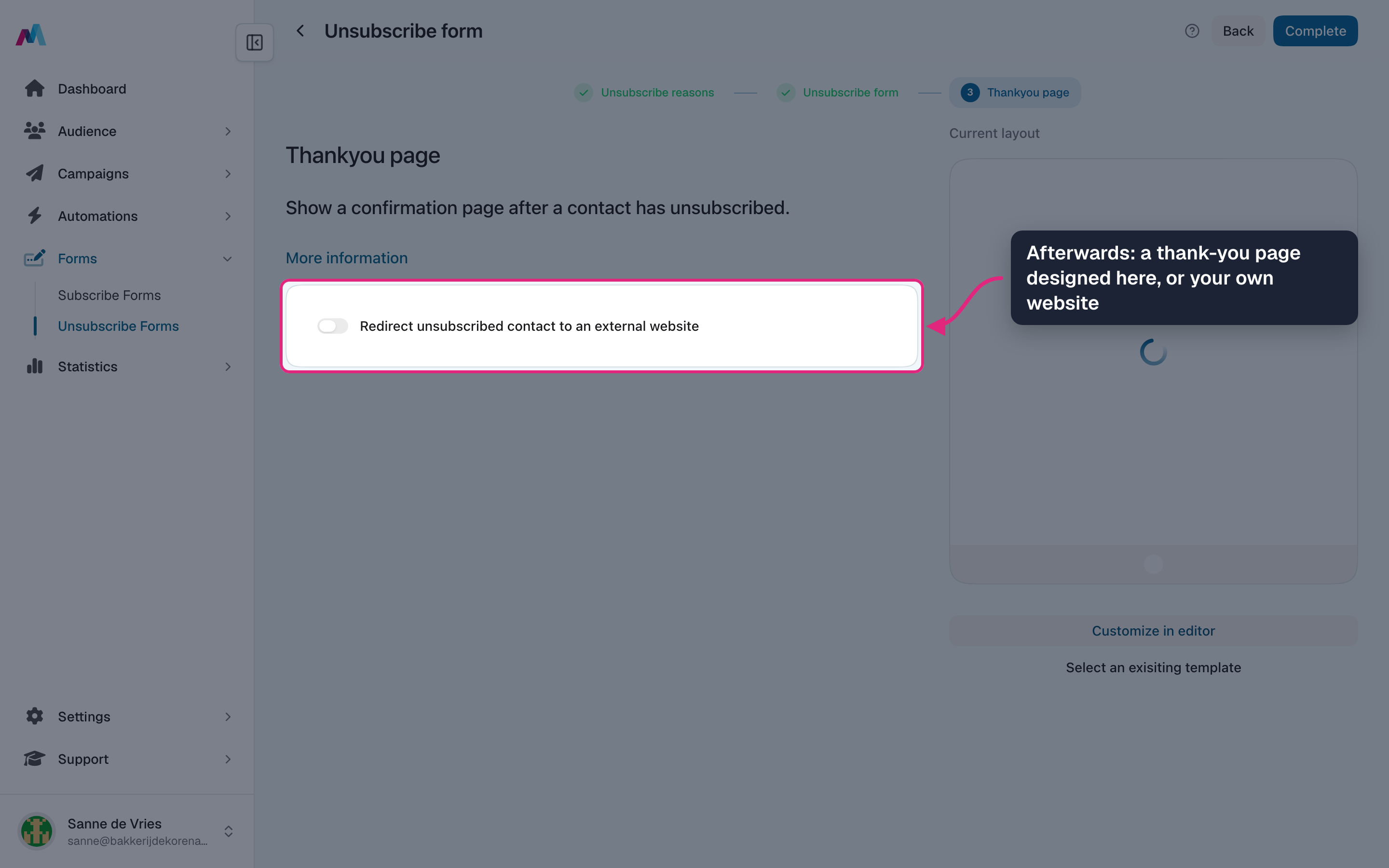
Step 3 is what people see after unsubscribing: a thank-you page you design here, or switch on the redirect to send them to your own website.
-
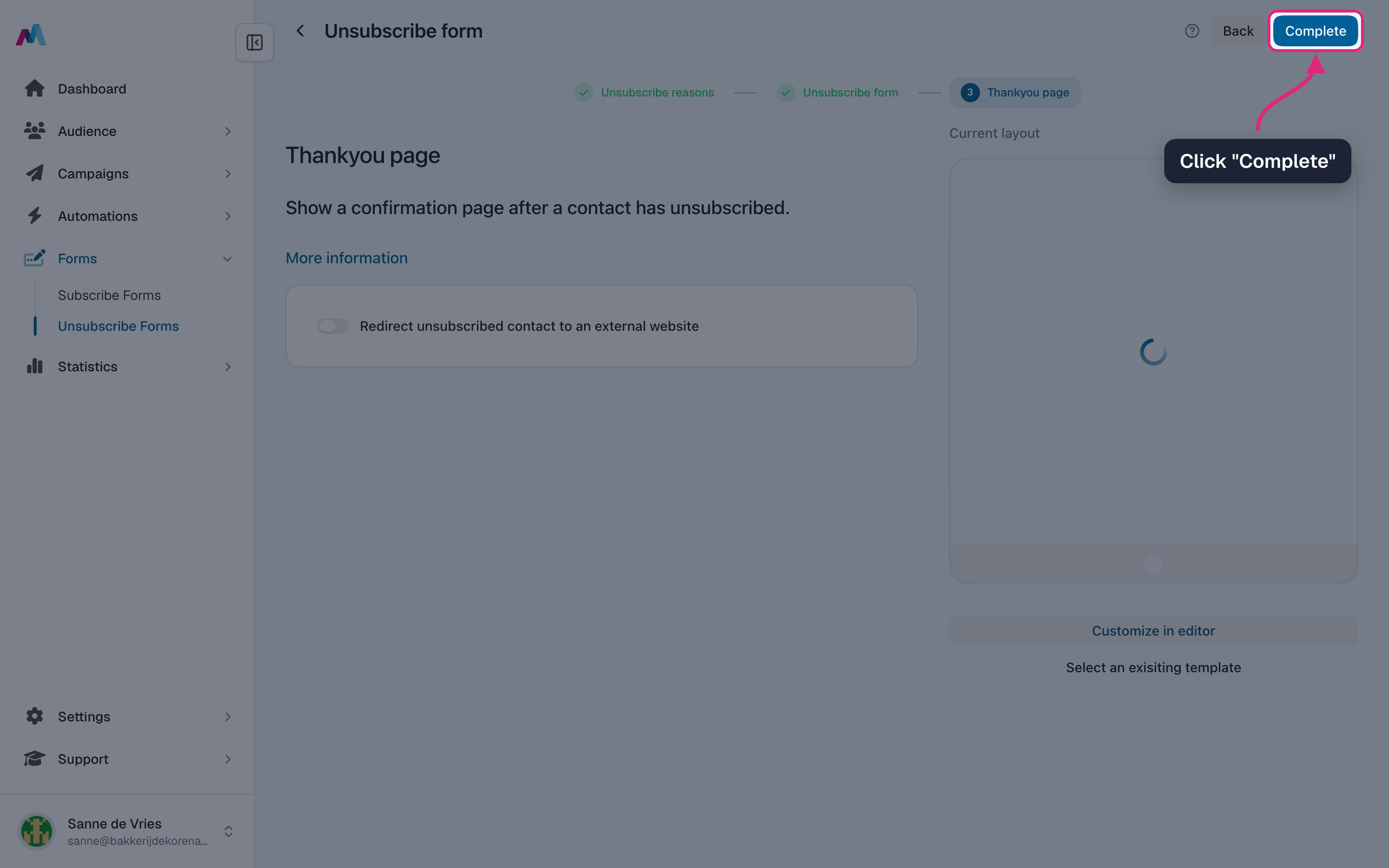
Click "Complete". The form is ready.
-
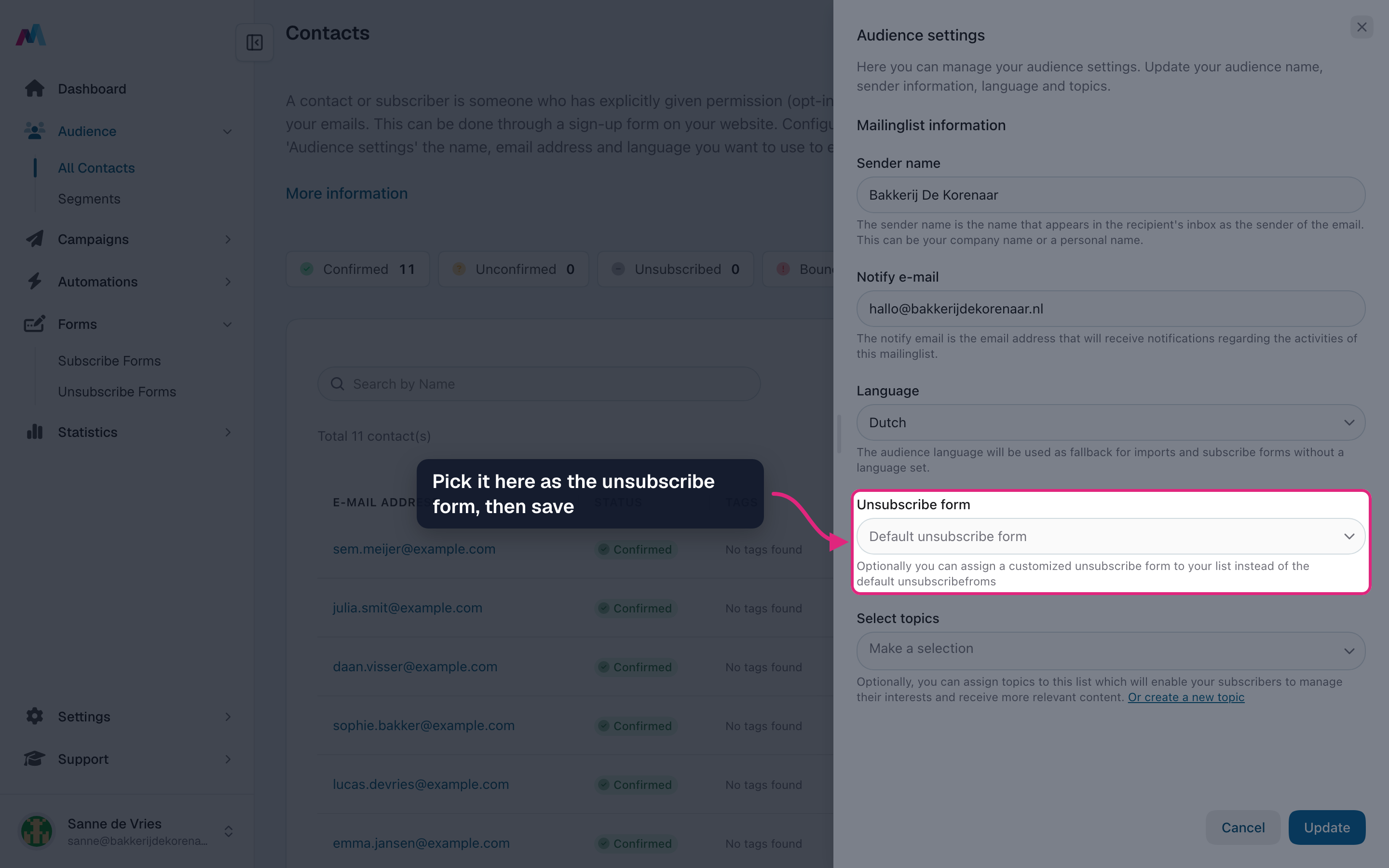
Link it to your list: go to Audience, open "Options" > "Audience settings", pick the form under "Unsubscribe form" and click "Update".
Keep it short and friendlyMake leaving easy. A clear page with a few reasons and one button works better than trying to change someone's mind.
Use the reasonsThe reasons people pick show up in your campaign statistics. "Too many emails" or "not relevant" tells you what to change.
How does the unsubscribe form work?
Every campaign contains an unsubscribe link. Someone who clicks it lands on the unsubscribe form of your list, can pick a reason and clicks the button to unsubscribe. After that they see your thank-you page or your own website, and they no longer receive campaigns.
Do I have to make one?
No. Without your own form, your list uses the standard unsubscribe form. Make one when you want your own look or reasons.
Can I ask why people leave?
Yes, that is what the reasons are for. Write them in step 1 of the wizard. Open a sent campaign's statistics to see how often each reason was chosen.
My form isn't in the list settings. Why?
A list only offers unsubscribe forms in its own language. Check the language of the list in the audience settings and the form language in the overview. Also make sure you finished the wizard with "Complete".
Someone unsubscribed by accident. Can I add them back?
Ask them to sign up again through your subscribe form. That way you have their permission again, which you need before you email them.
See also
Updated 4 days ago