
What are automations
An automation sends an email or adds a tag by itself when something happens: a contact subscribes, opens or clicks a campaign, or reaches a date. You set it up once and switch it on.
An automation sends an email or adds a tag by itself when something happens: a contact subscribes, opens or clicks a campaign, or reaches a date. You set it up once and switch it on.
Every automation answers three questions. When? A trigger and a timing. What? Send an automation email or add a tag. Who? Your contacts, optionally narrowed with a segment. One automation does one thing; for a series of emails you create one automation per email.
Set up a welcome email
-
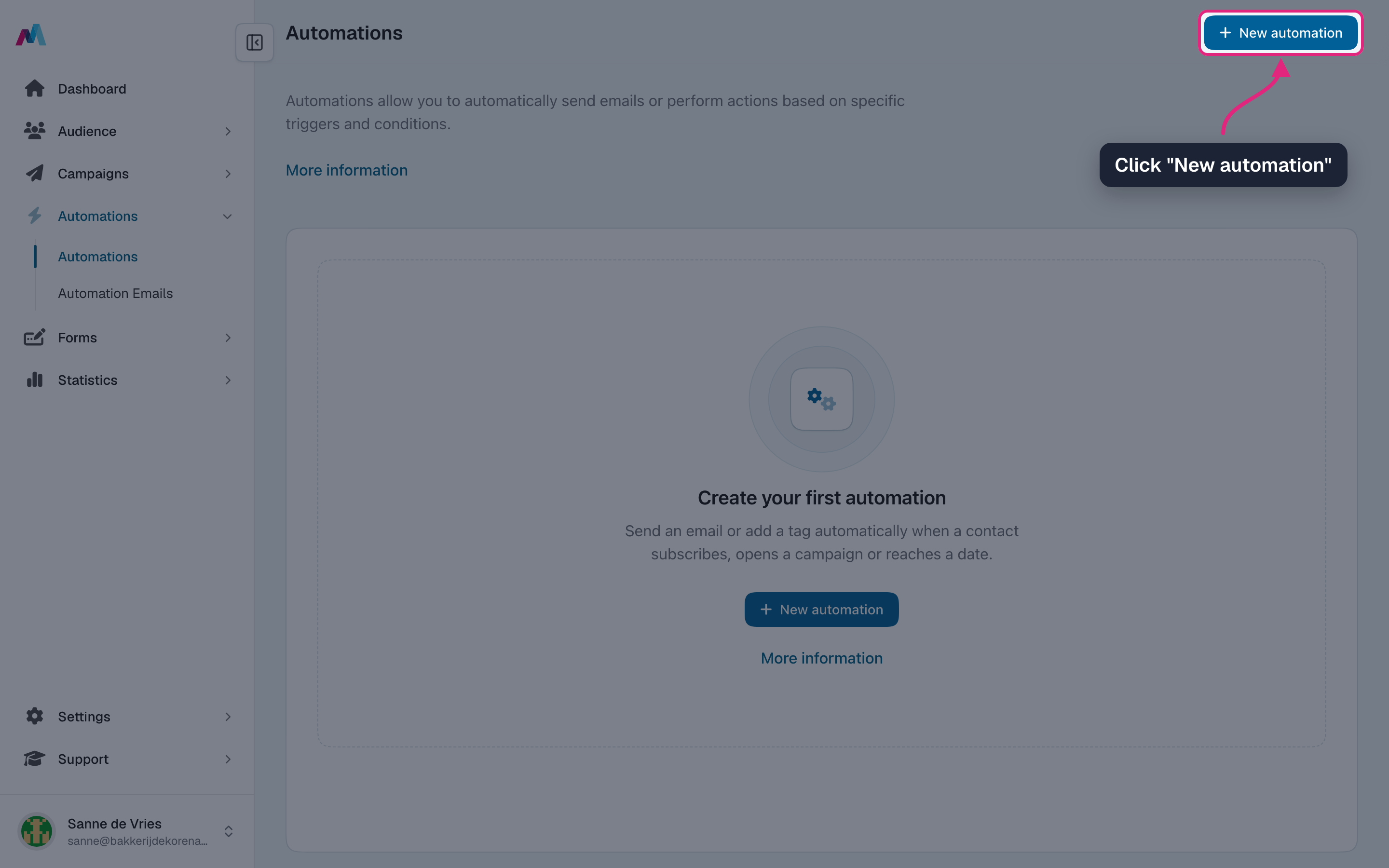
Make sure your welcome email is ready under Automations → Automation emails (see "Automation emails"). Then go to Automations and click "New automation".
-
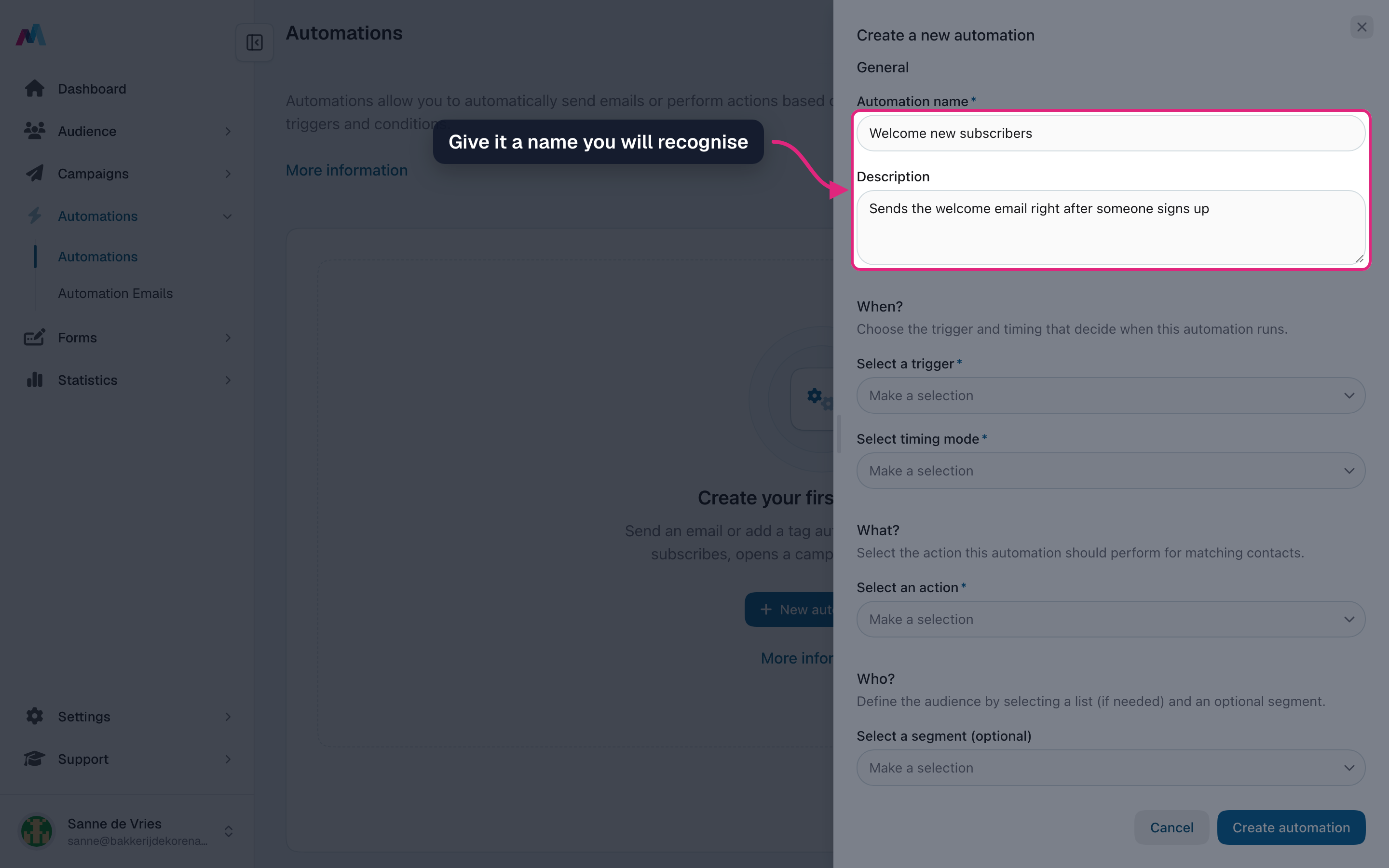
Give the automation a name and, if you like, a short description. Only you see these.
-
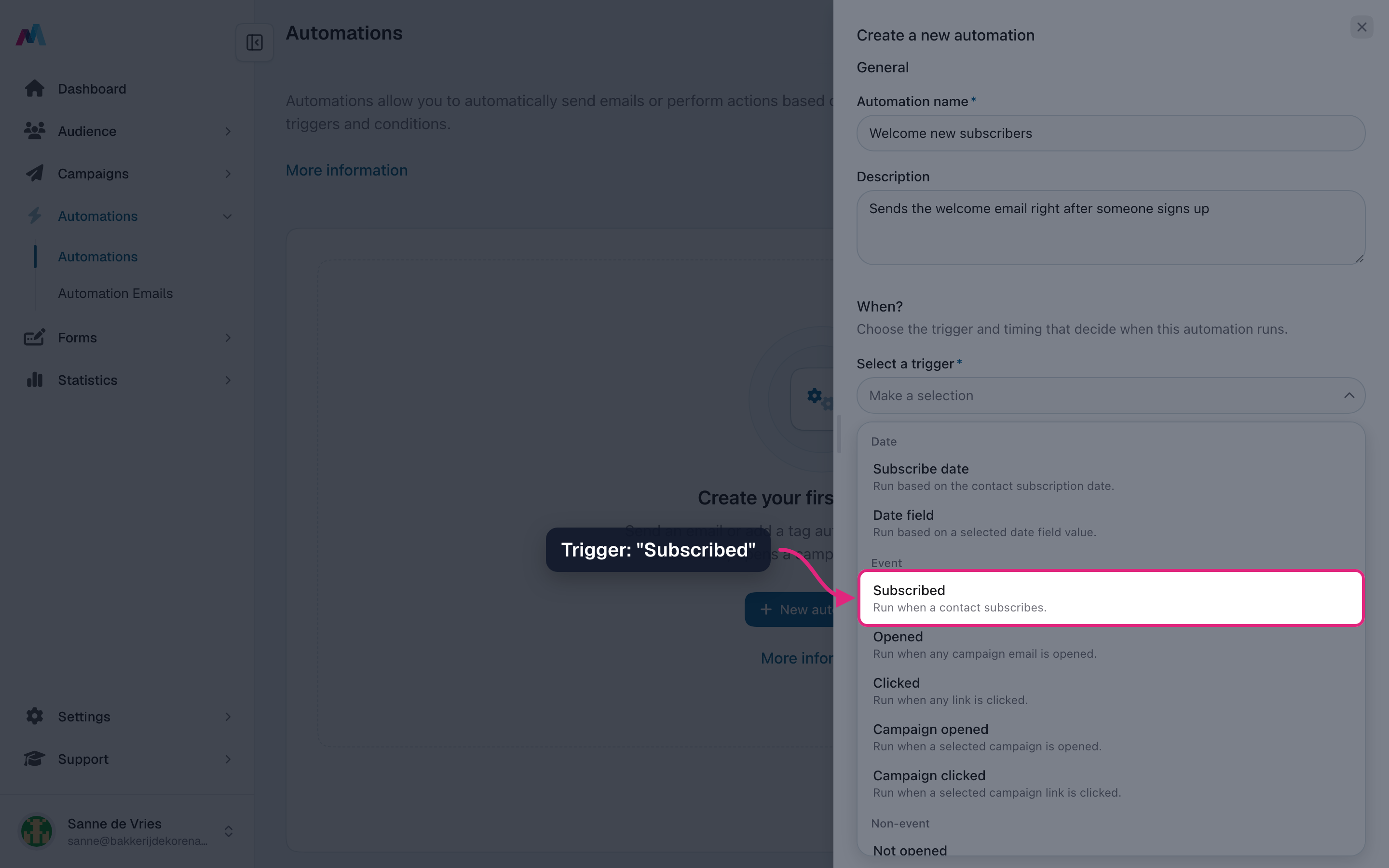
Under "When?", choose the trigger "Subscribed".
-
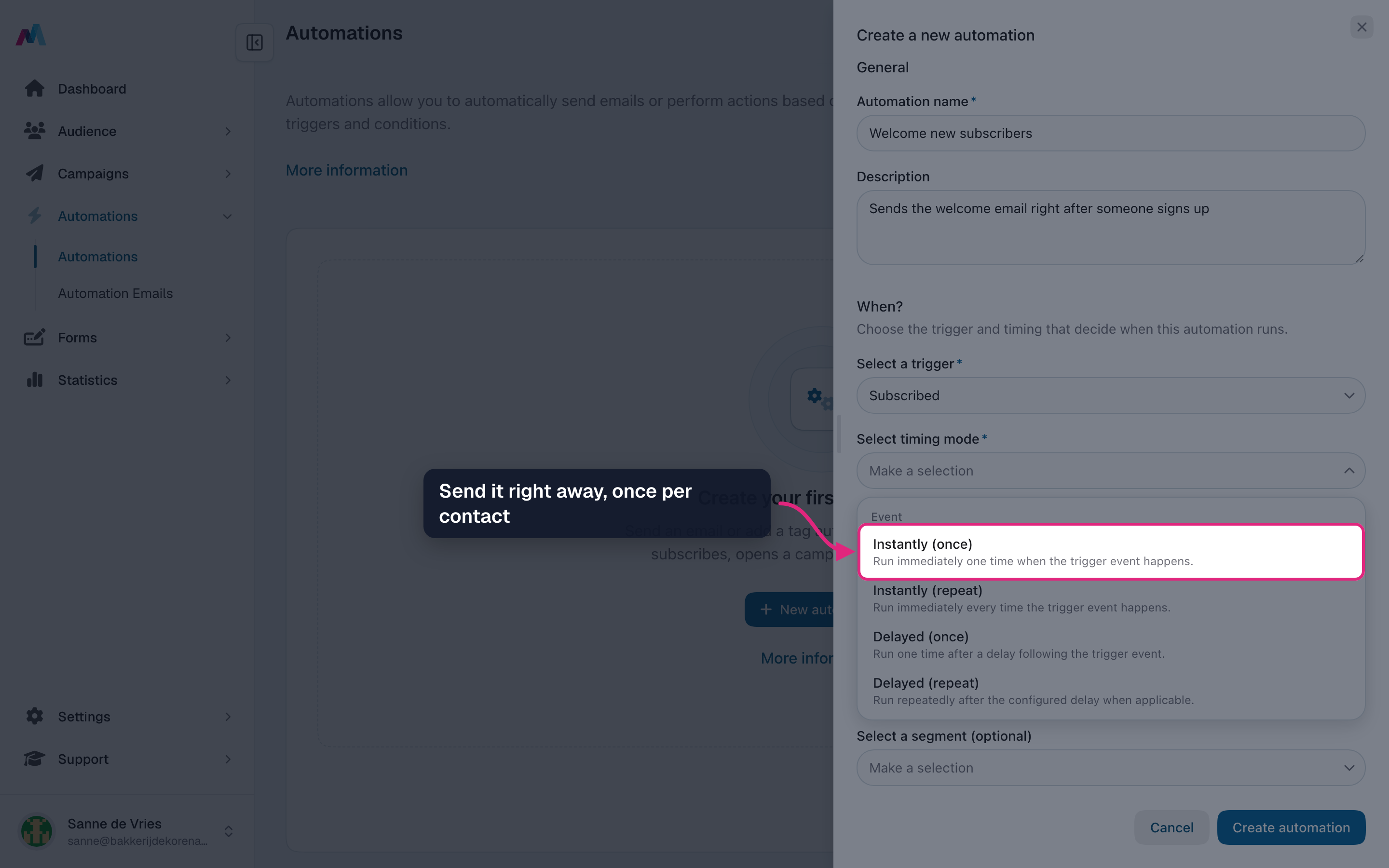
Choose the timing "Instantly (once)": every new subscriber gets the email right away, and only once.
-
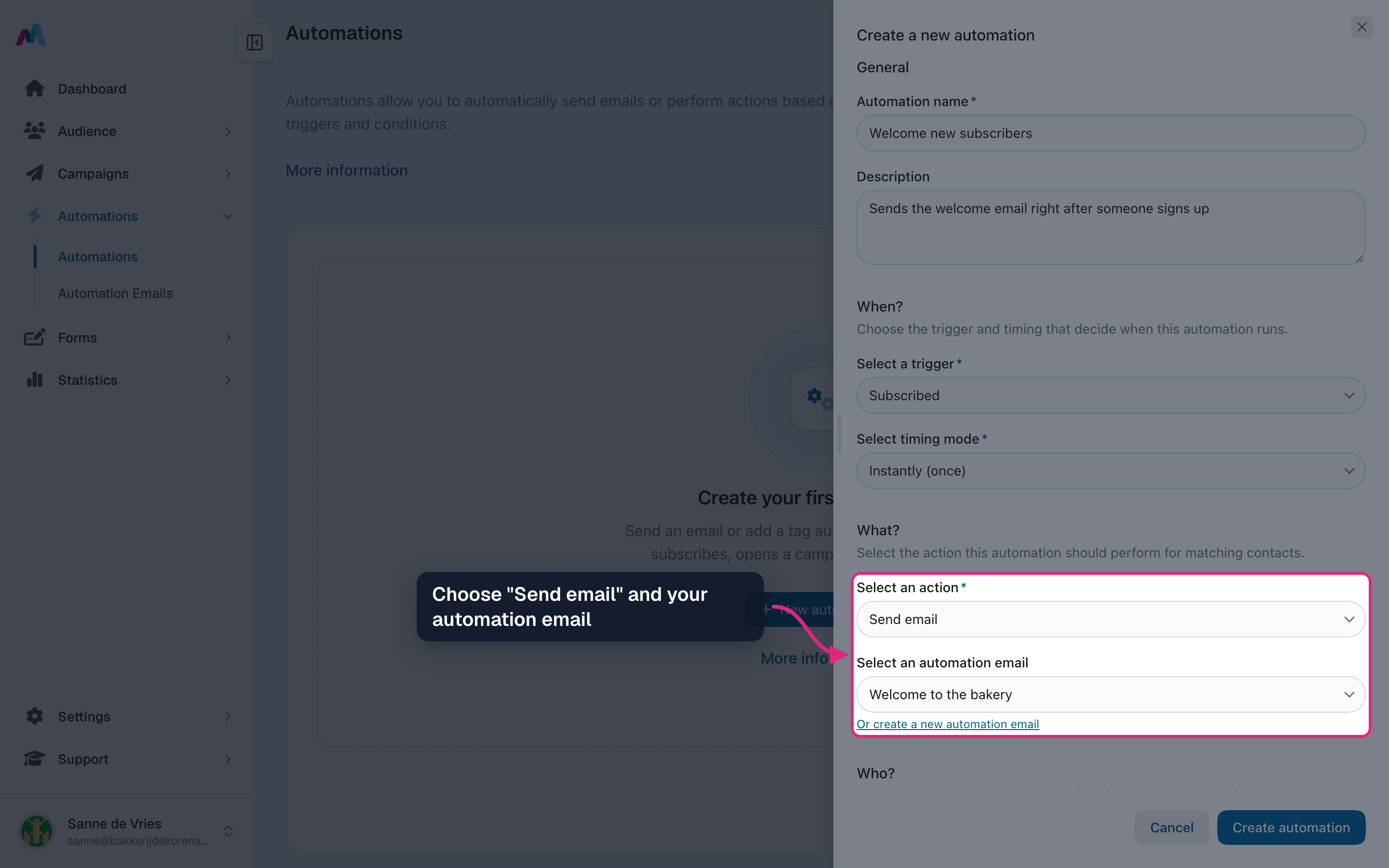
Under "What?", choose "Send email" and pick your automation email.
-
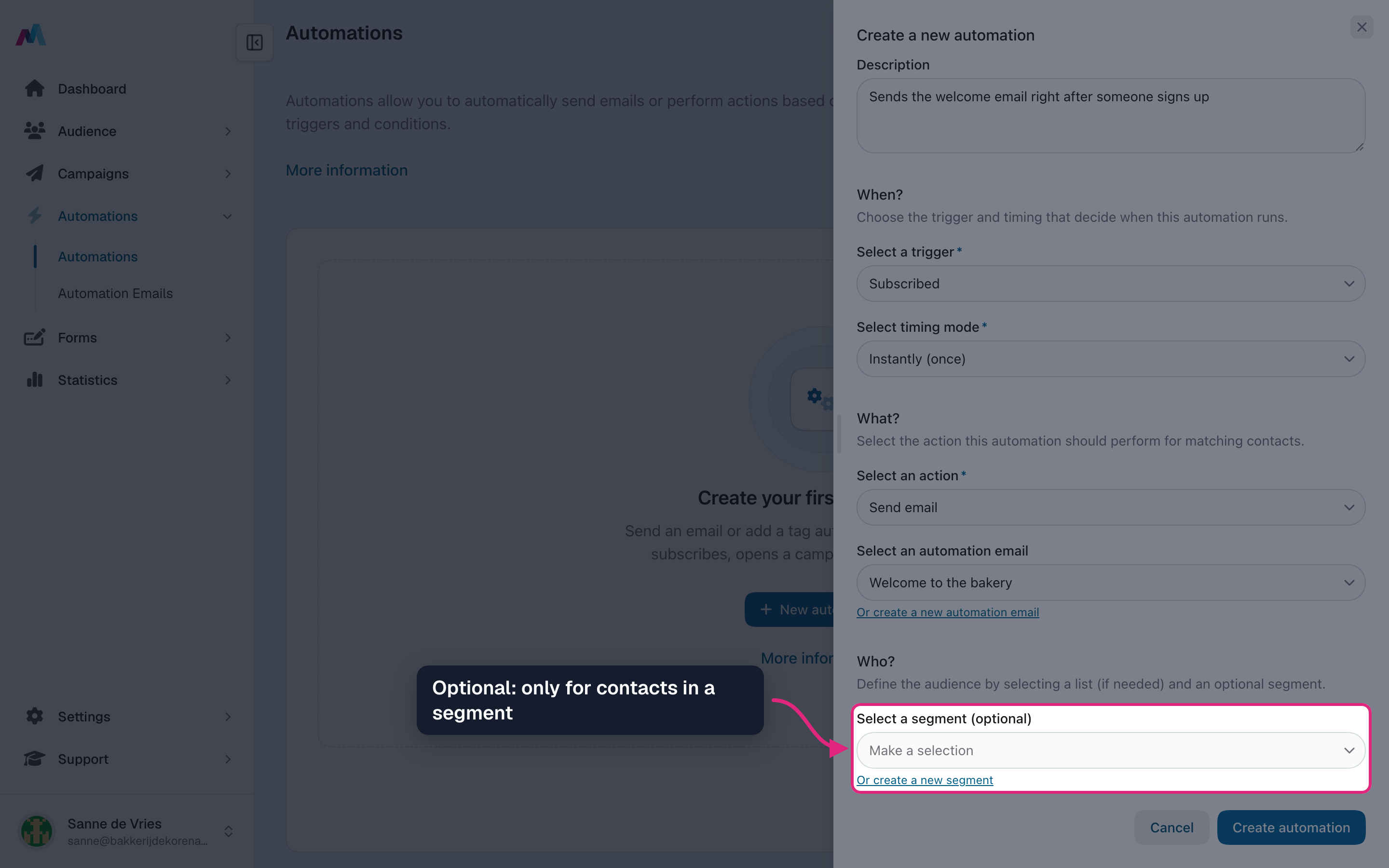
Under "Who?", leave the segment empty to welcome everyone, or pick a segment to welcome only part of your contacts.
-
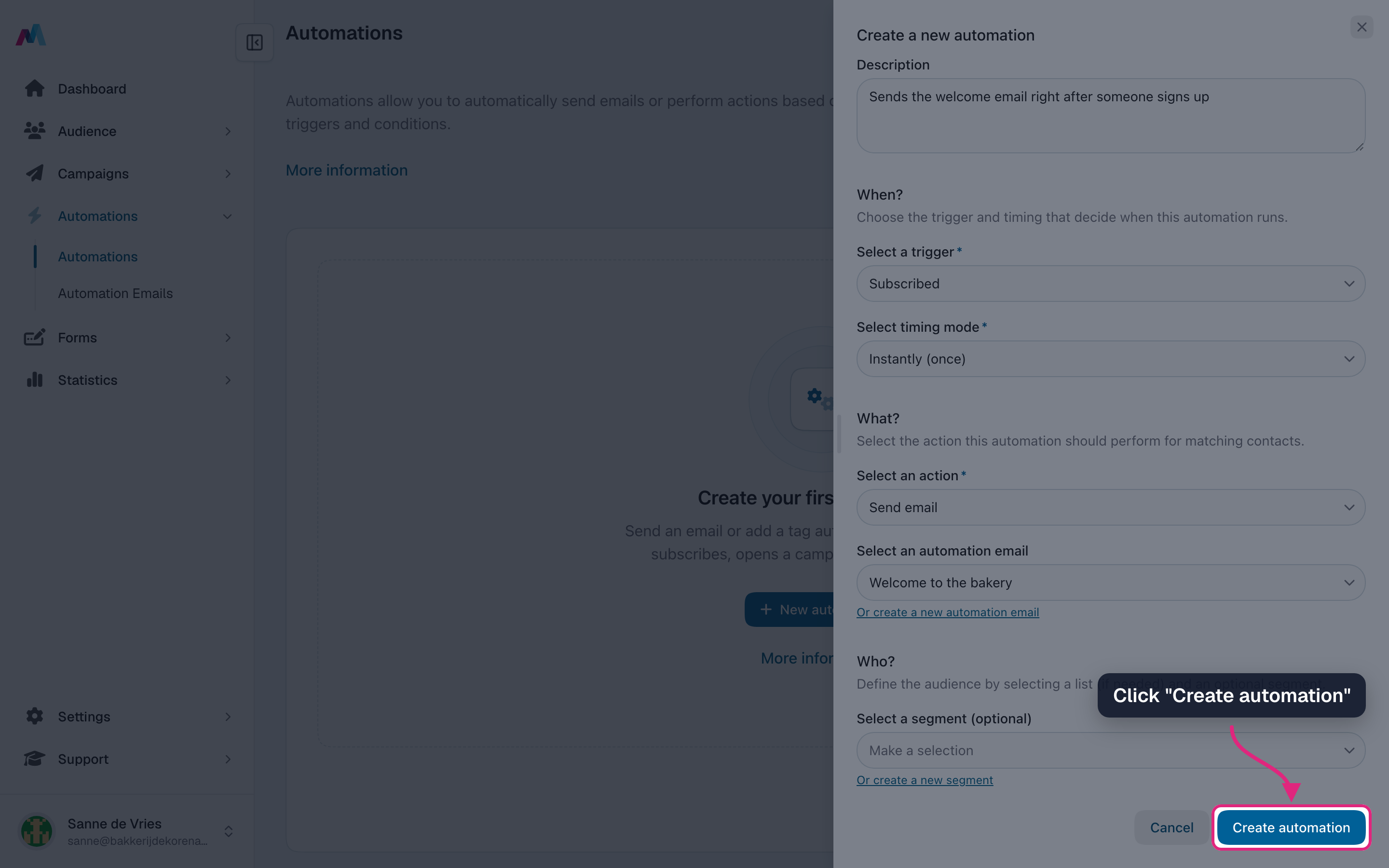
Click "Create automation".
-
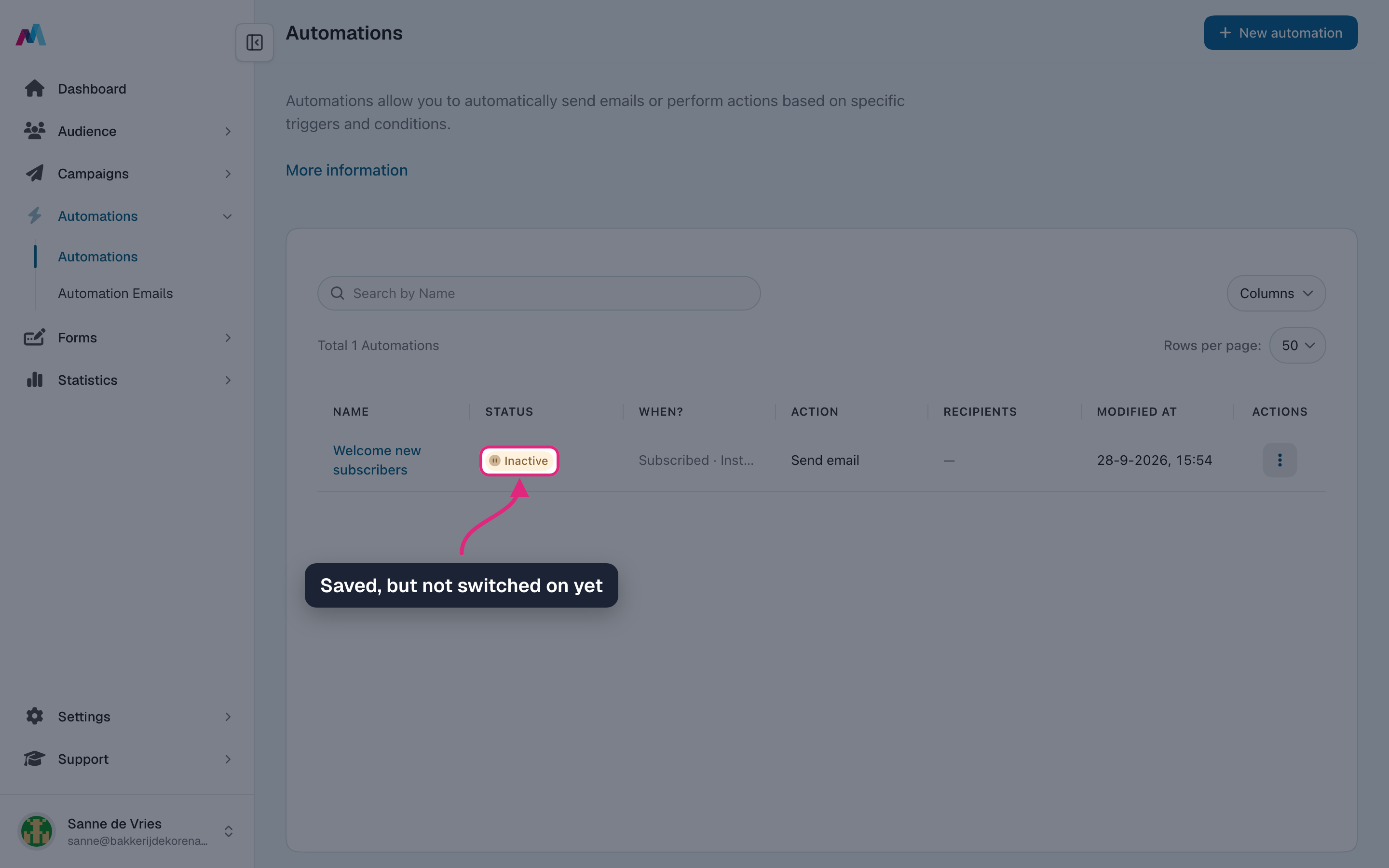
The automation is saved with the status "Inactive": it is complete, but nothing is sent yet.
-
Check the settings once more, then open the row menu and choose "Activate". From then on every new subscriber gets the welcome email.
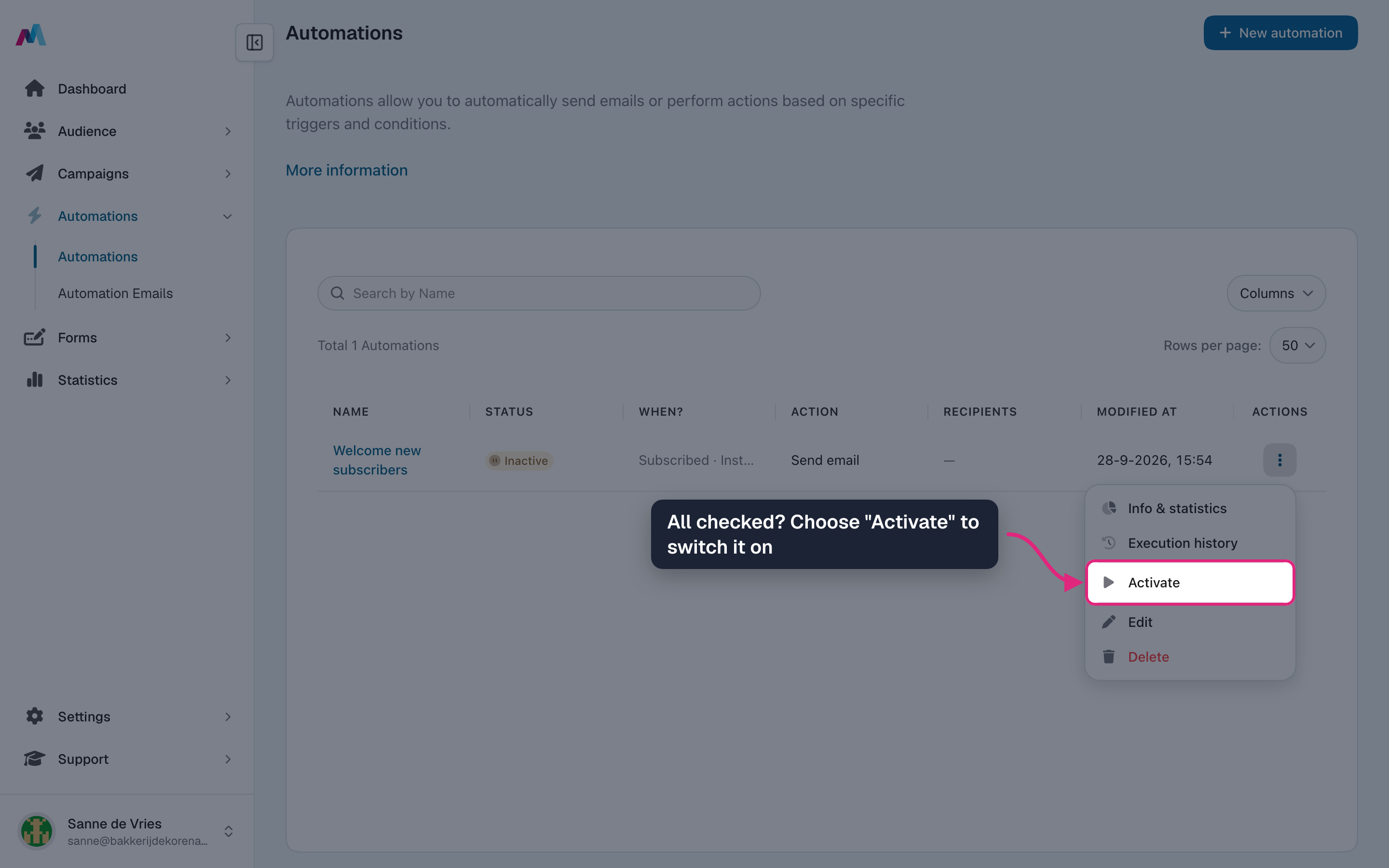
The four statusesDraft: not complete yet. Inactive: complete, but not switched on. Active: running. Disabled: switched off; the settings are kept and you can activate it again. Use the menu on a row to activate or disable an automation.
Check before you activateAn active automation emails real contacts, and a sent email can't be called back. Check the trigger, timing, audience and email first. Activating only works when the automation is complete and your sender domain's DNS records (SPF, DKIM, DMARC) are in order.
How is an automation different from a campaign?
You send a campaign once, to your contacts, at a moment you choose. An automation keeps running and sends to each contact at their own moment, for example right after they subscribe.
Who gets the welcome email?
Everyone who subscribes through a signup form after you activate the automation. With double opt-in, the email is sent once they confirm. Contacts you import or add yourself don't count as a new subscription, so they don't get it.
Will my existing contacts get the email too?
Only if the trigger happens for them after you activate. Nothing is sent for the past: a "Subscribed" automation only reaches new subscribers. Date triggers do look at all your contacts, but only from the next matching date on.
Can I change an automation after it's switched on?
Partly. While it is active, and for good once it has run for anyone, you can only change the name, description, number of days and time of day. To change the trigger, audience or action of an automation that never ran, disable it first. Once it has run, create a new automation instead. The content of the email itself can always be changed under Automation emails.
Can I pause an automation?
Yes, choose "Disable" in the row menu. Keep in mind that emails still waiting for their moment are cancelled, and anything that happens while it is off is not sent later when you activate it again.
Can a contact get the same email twice?
Not with a "once" timing: then each contact gets it at most one time per automation. With a "repeat" timing it is sent every time the trigger happens, for example on every open.
Who can receive automation emails?
Only confirmed contacts. Unconfirmed, unsubscribed and bounced contacts are skipped, and every automation email has an unsubscribe link.
Where do I see what an automation has done?
Click its name, or choose "Info & statistics" in the row menu. You see all settings, when it was first activated and last run, the open, click, bounce and unsubscribe rates, and a list of every contact it ran for. New events can take up to 10 minutes to show up.
Why can't I activate my automation?
Usually something is missing (status "Draft"), something it uses was deleted, or the DNS records of your sender domain are not in order. Open the automation, complete it, and check the DNS status of your sender address under Settings.
See also
Updated 4 days ago