
Automation emails
An automation email is the email an automation sends. You design it once under Automations → Automation emails, then pick it in an automation.
An automation email is the email an automation sends. You design it once under Automations → Automation emails, then pick it in an automation.
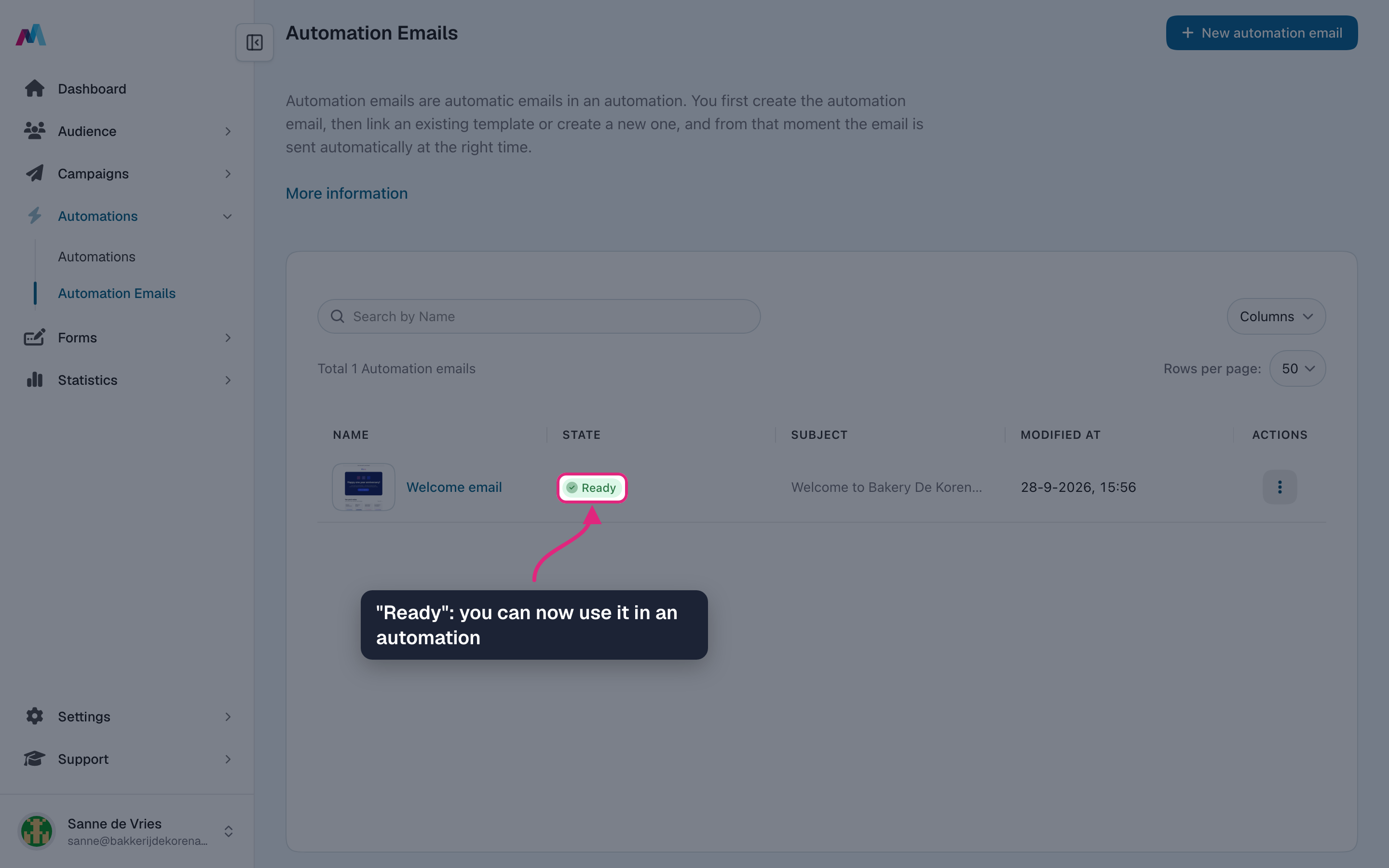
It works like a campaign email: a subject, preheader, sender and a design from the editor. As soon as all of that is filled in, its status changes to "Ready" by itself and you can use it in an automation.
Create an automation email
-
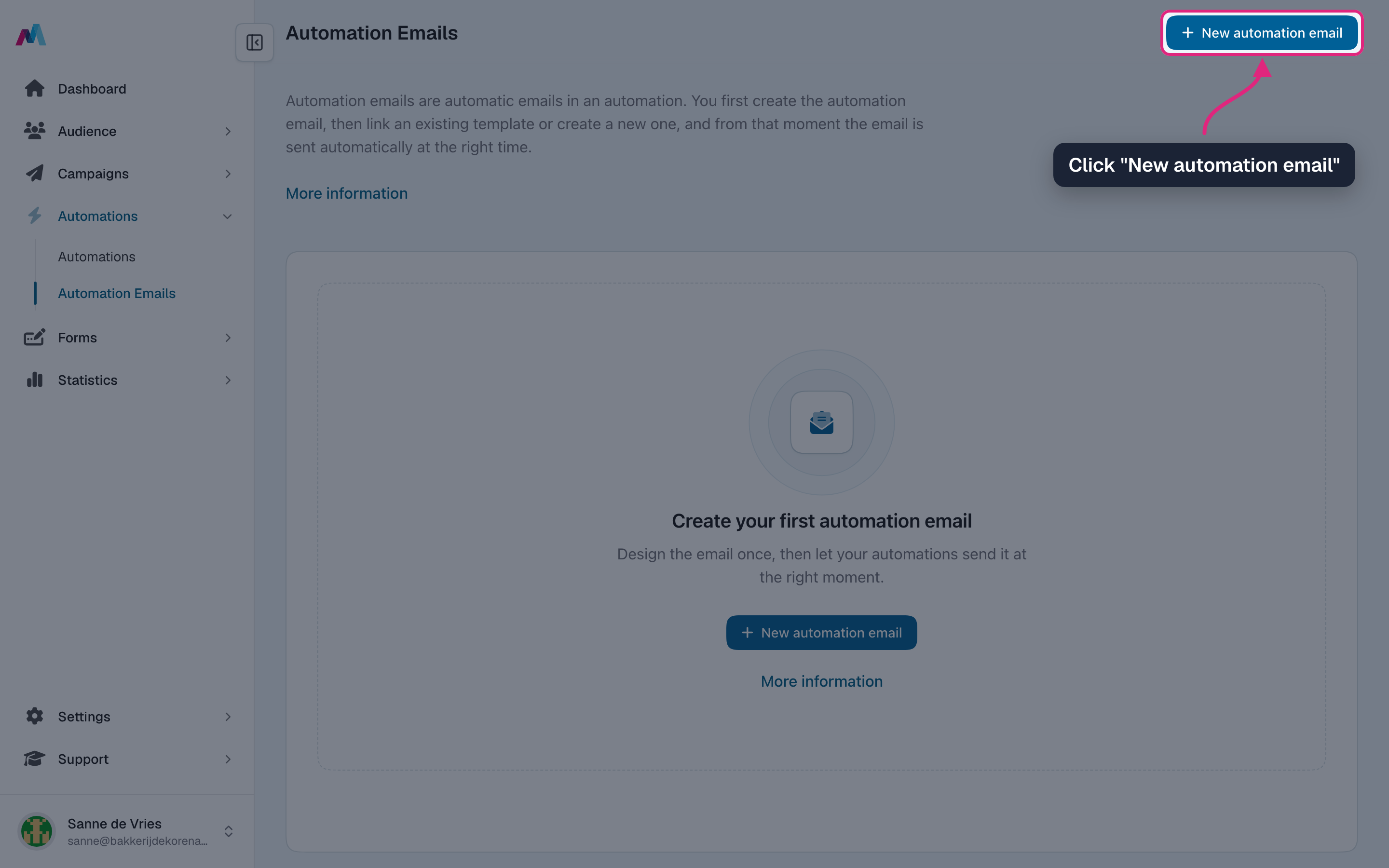
Go to Automations → Automation emails and click "New automation email".
-
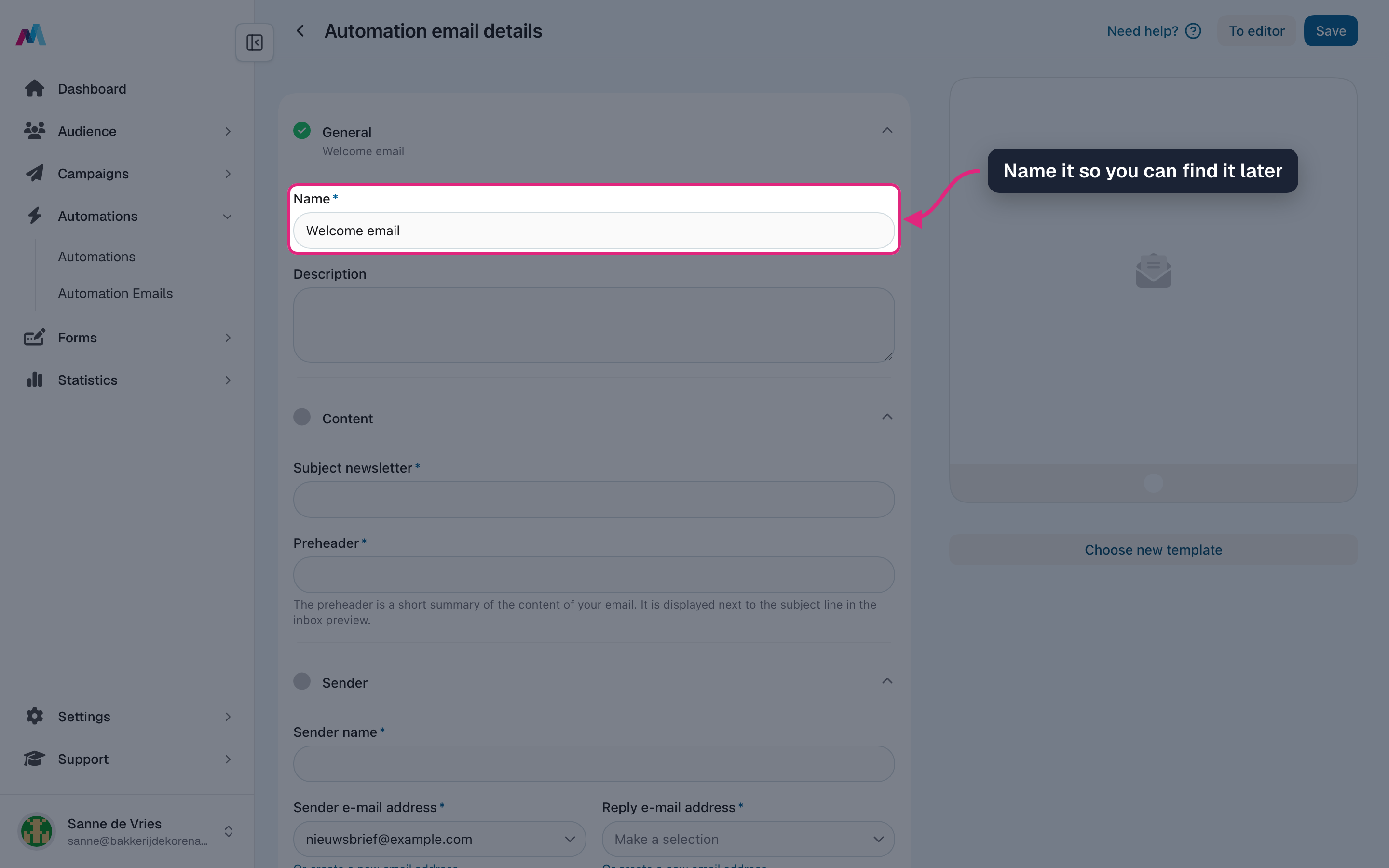
Under "General", give it a name you will recognise when you pick it in an automation.
-
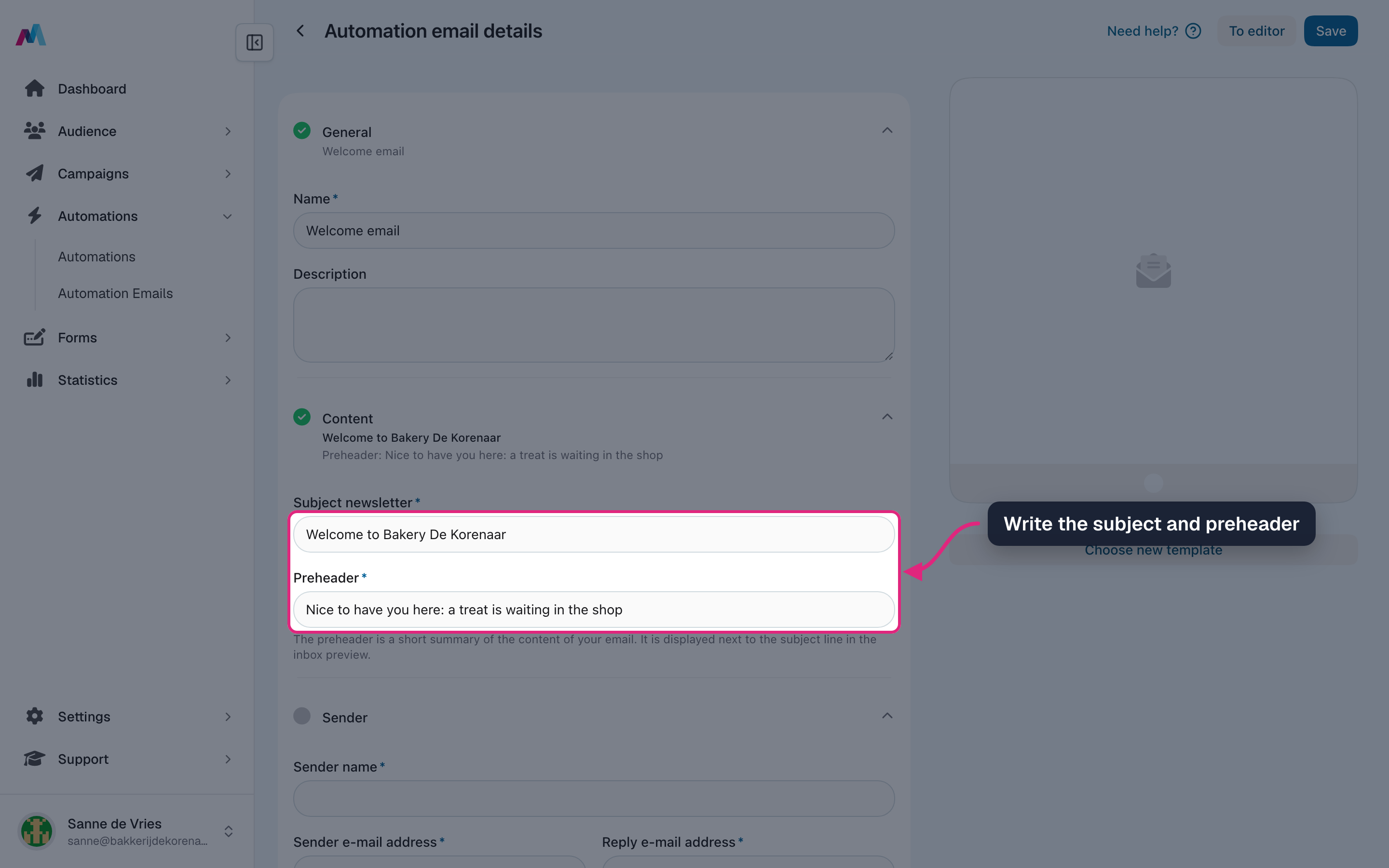
Write the subject and the preheader, the short line shown next to the subject in the inbox.
-
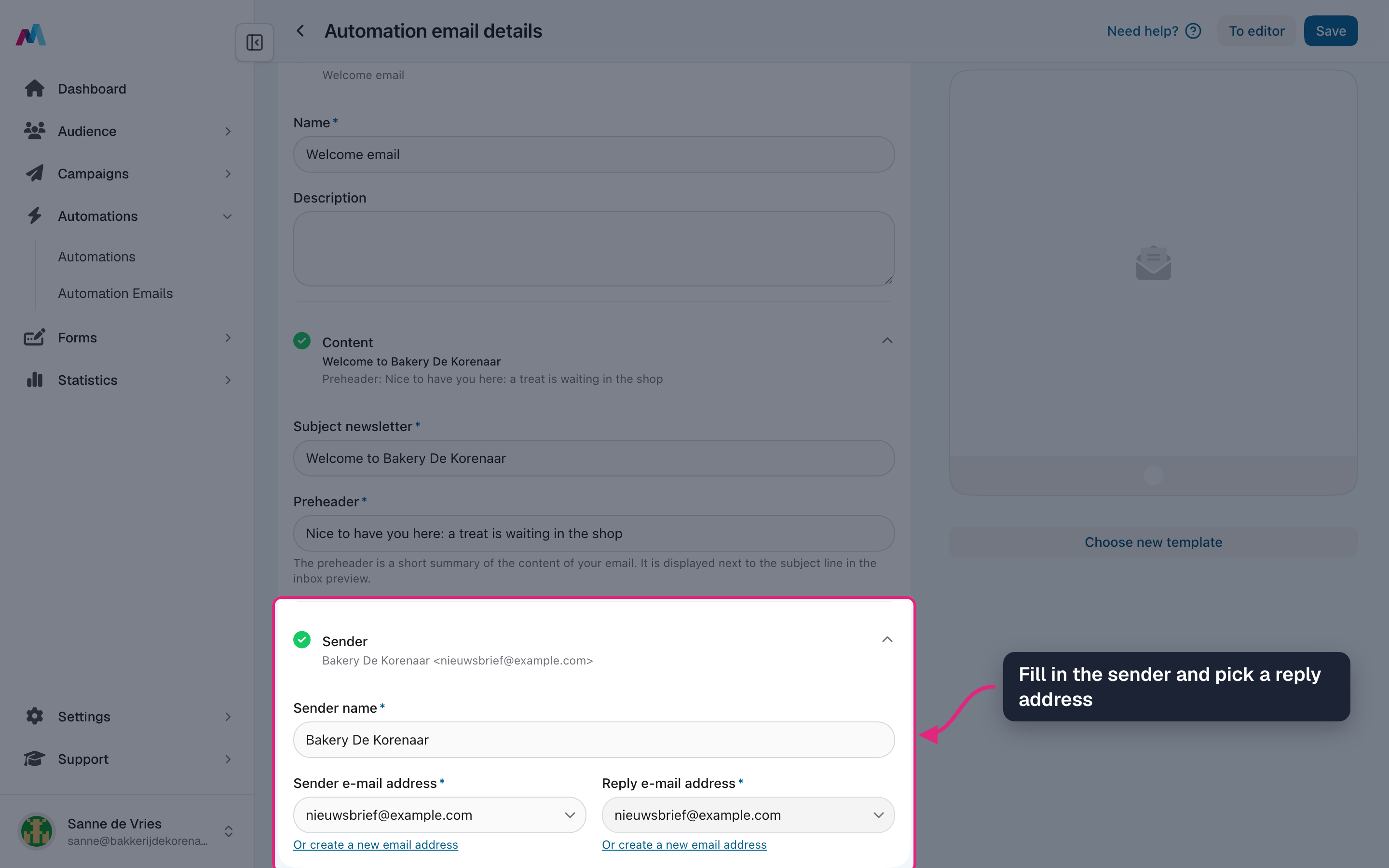
Under "Sender", fill in the sender name and choose the sender and reply addresses.
-
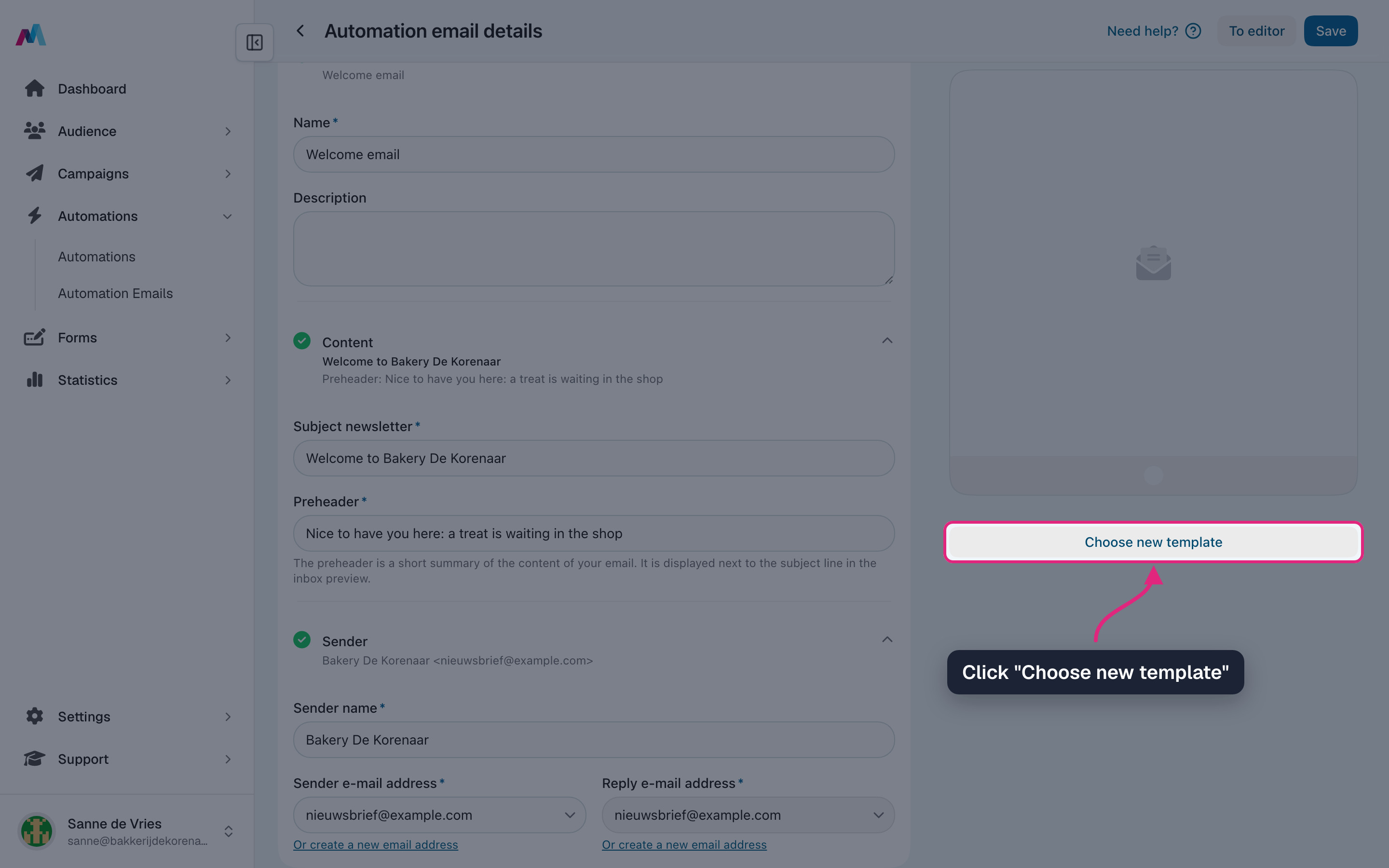
Click "Choose new template".
-
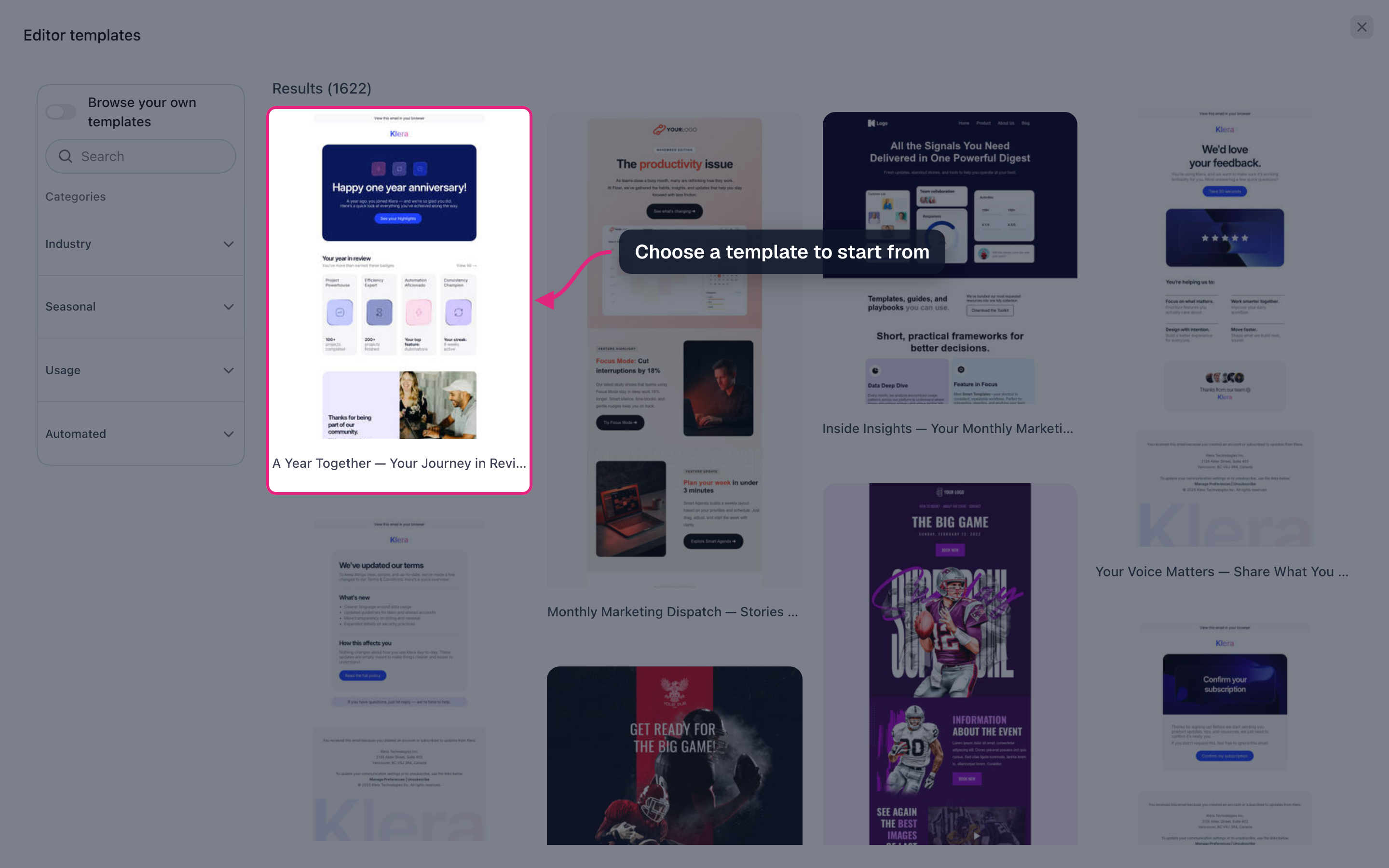
Pick a template to start from. You can also browse your own templates.
-
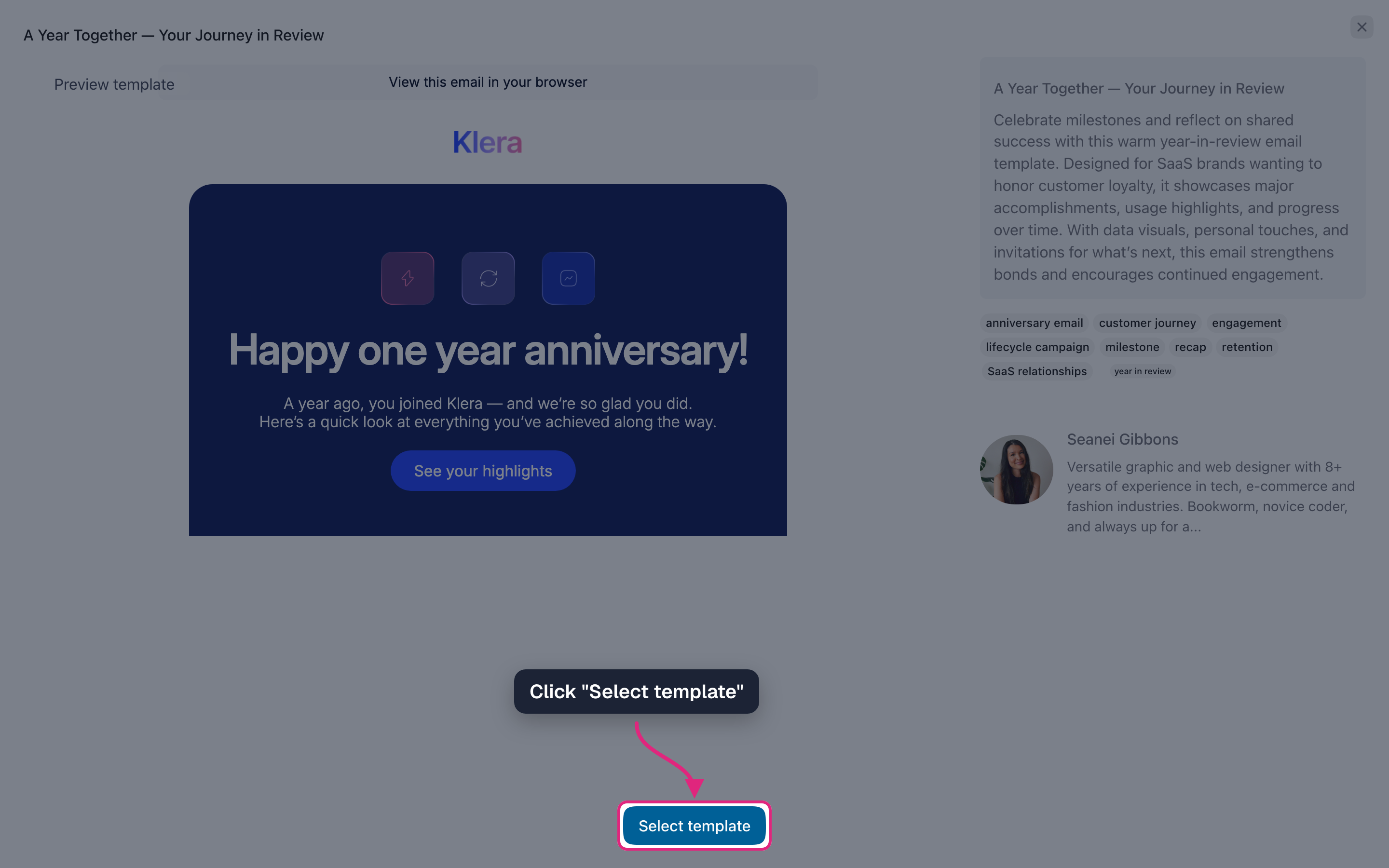
Click "Select template".
-
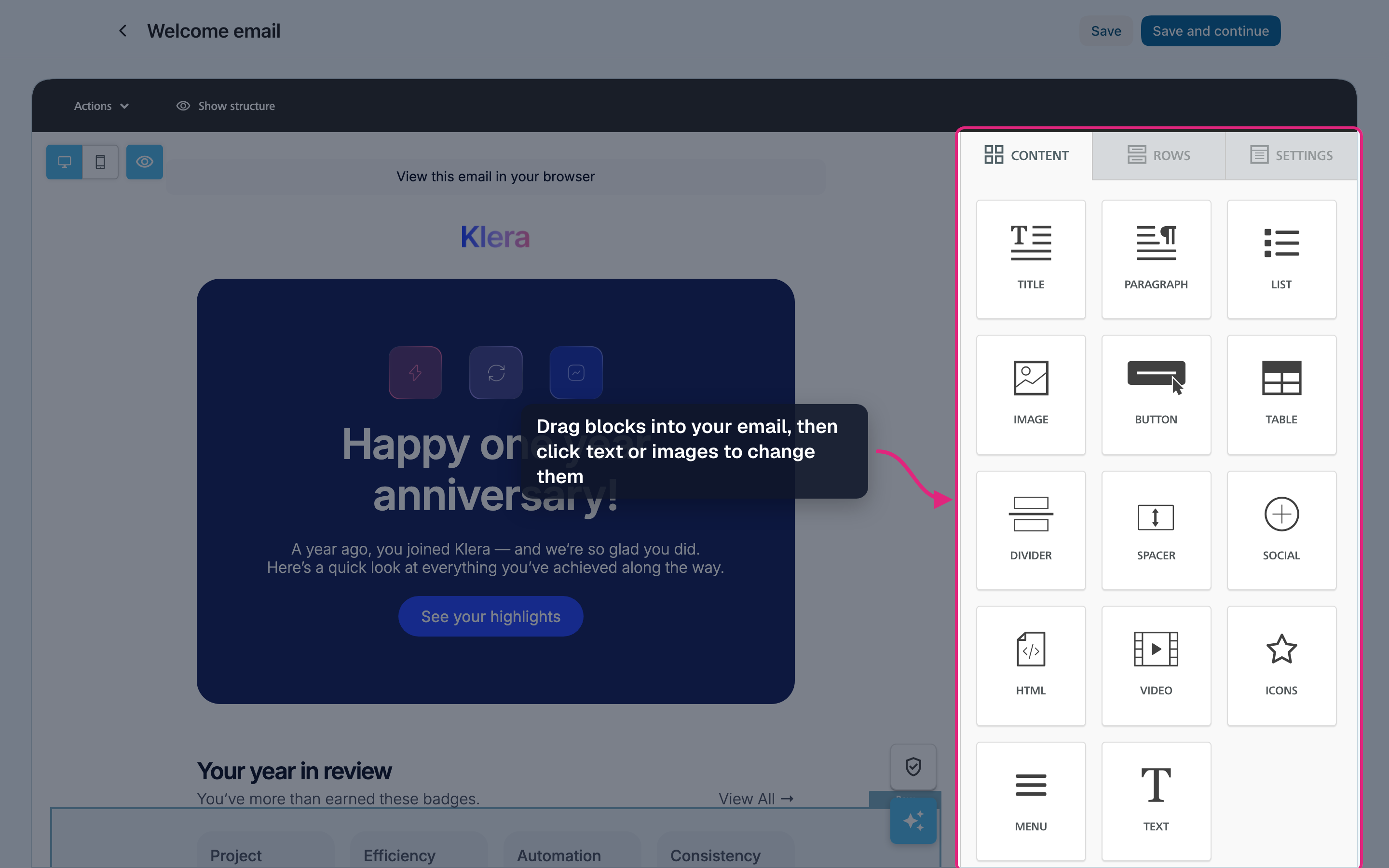
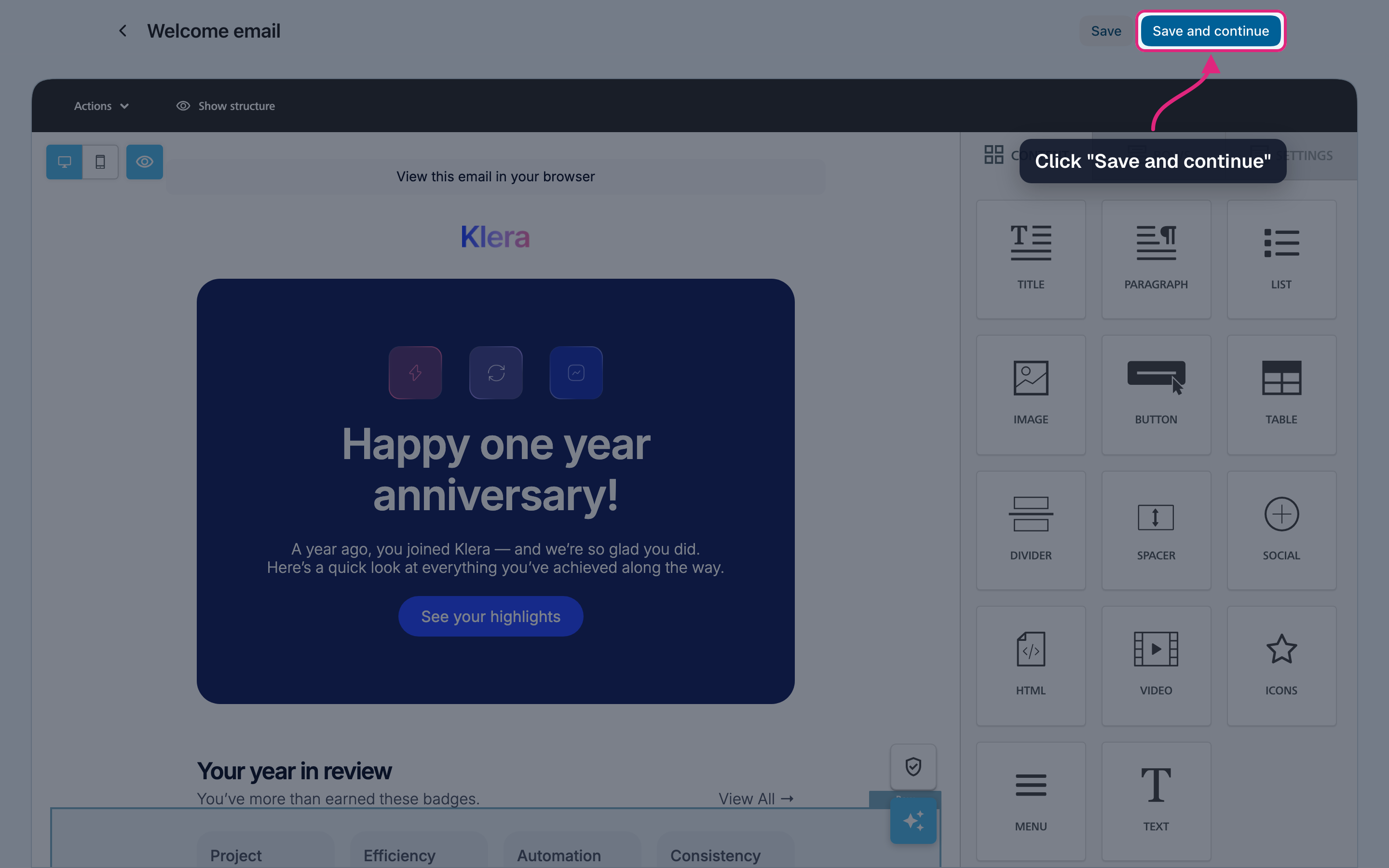
Make the email your own in the editor: drag in blocks and click text or images to change them.
-
Click "Save and continue".
-
In the overview the email now shows "Ready". You can pick it in any automation.
You can also create one from the automationIn the automation form, "Or create a new automation email" opens the same screen. When you are done, the new email is selected in the automation.
Changes apply to every automation that uses itEach send uses the email as it is at that moment, so an edit changes what every automation using it sends from then on, also emails that are still waiting for their moment. To try something new safely, use "Duplicate" in the row menu and edit the copy.
Why does my automation email say "Draft"?
Something is still missing: a name, subject, preheader, sender name, sender or reply address, or the design. Fill in every section until it has a green check and save the design; the status then changes to "Ready" by itself. If you pick a draft email in an automation, you are asked to finish it first.
Can several automations use the same email?
Yes. Keep in mind that a change to the email then applies to all of them.
Can I delete an automation email that is in use?
No. As long as an automation uses it, it can't be deleted. Delete that automation first.
Can I use merge tags such as the first name?
Yes, in the subject and in the design, just like in a campaign.
Where are the statistics of an automation email?
With the automation that sends it: click the automation's name, or choose "Info & statistics" in its row menu. Automation emails are not part of your campaign statistics.
See also
Updated 4 days ago